Memory and logs
Keep the record behind each generation available when you need to diagnose, revise, or reproduce the work.
- Generation history
- Saved configuration
- Clear project context

Save the creative and production settings behind each video, review generation history, manage upcoming work, and return to the project whenever a video needs another version.

A Videnly project is more than a folder of exports. It keeps the settings, generation activity, and upcoming work that explain how the video was made and what should happen next.
Reuse the video type, style preferences, prompt direction, and related choices without starting from an empty setup.
Review previous generation activity and return to earlier work when a scene, asset, or version needs attention.
Keep planned and scheduled work visible alongside the project configuration that will produce it.
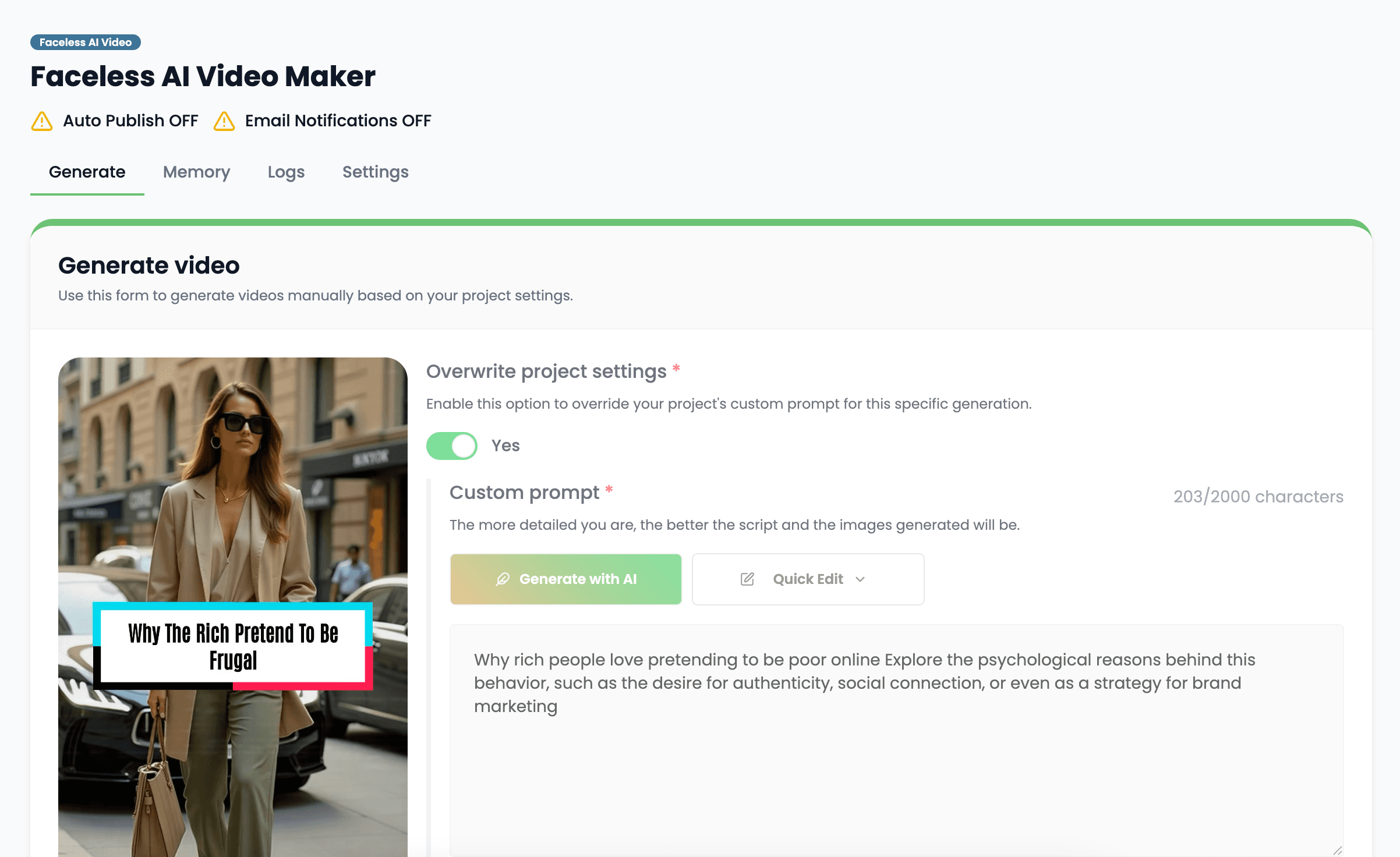
Define what you are creating and capture the settings that should remain consistent. The project becomes the reusable source of truth for future generations.
Set the format and production type before generation begins.
Keep style, voice, and prompt direction attached to the project instead of recreating them each time.
Use the saved project when a channel or campaign needs multiple videos with the same foundation.
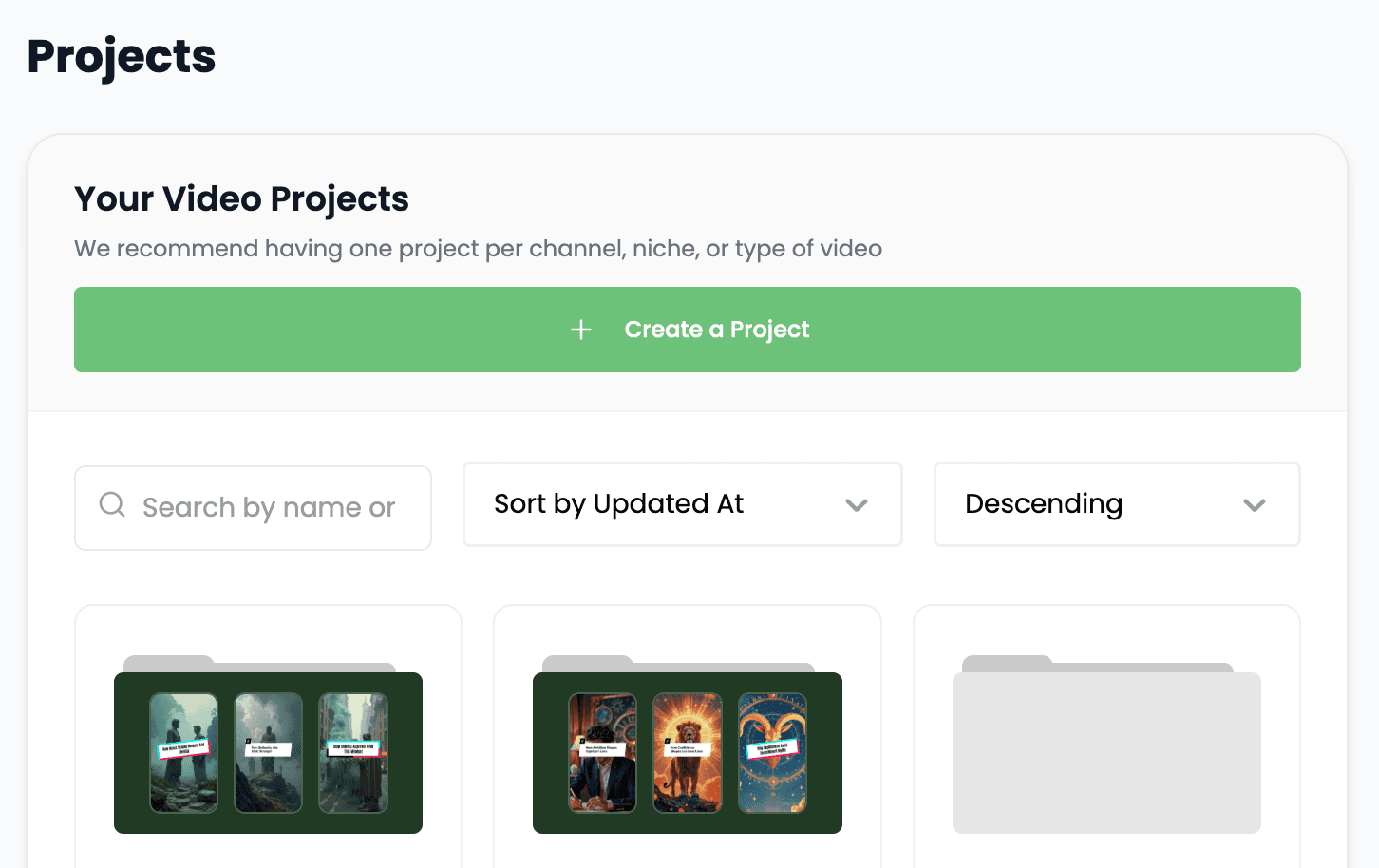
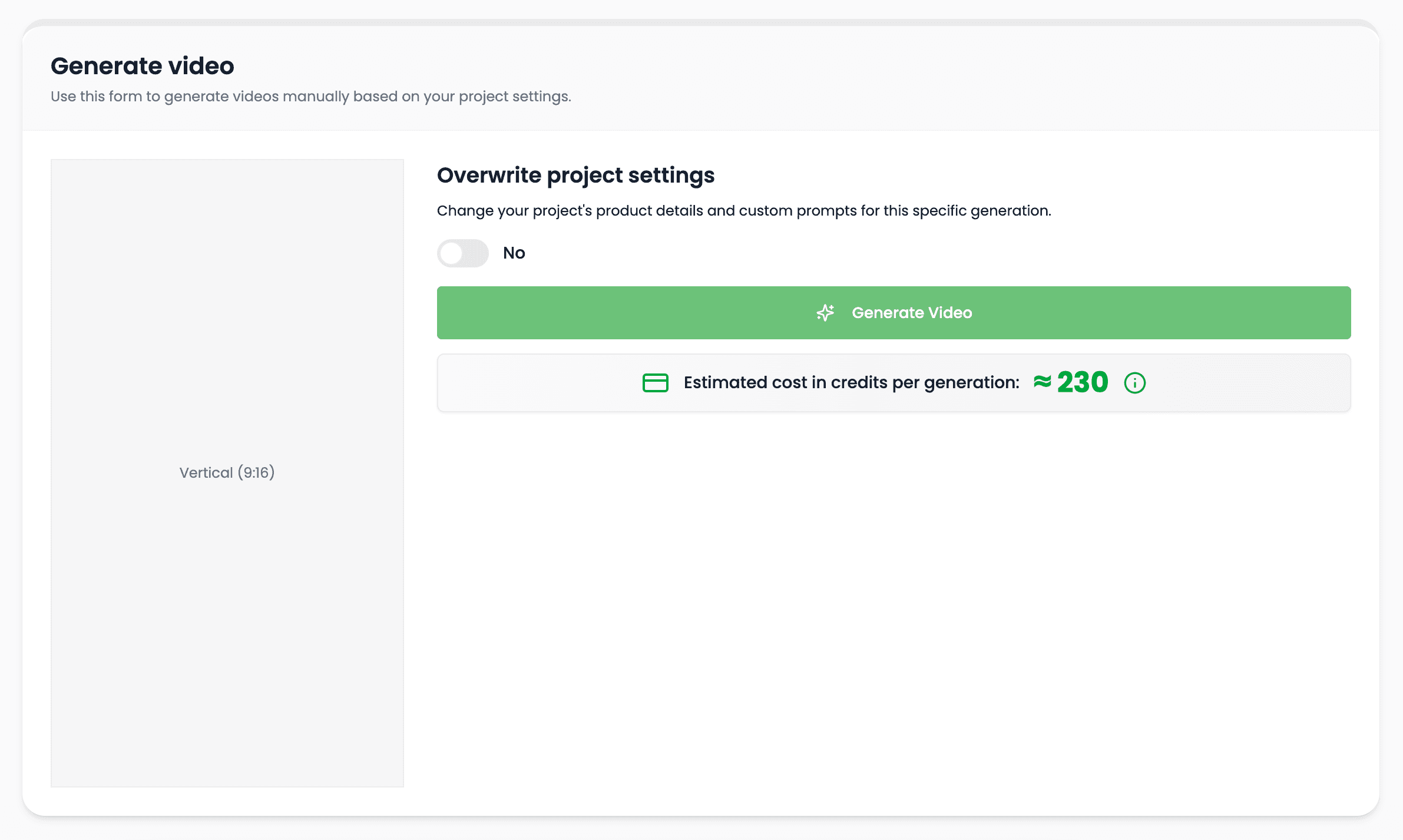
Create videos from the saved setup, review the generated work, and keep edits or regenerations tied to the same project history.
Start new work from an established configuration rather than repeating the full setup.
Use the generation history to understand what was created and where revisions belong.
Keep the original project available when the script, format, or creative direction needs to change.
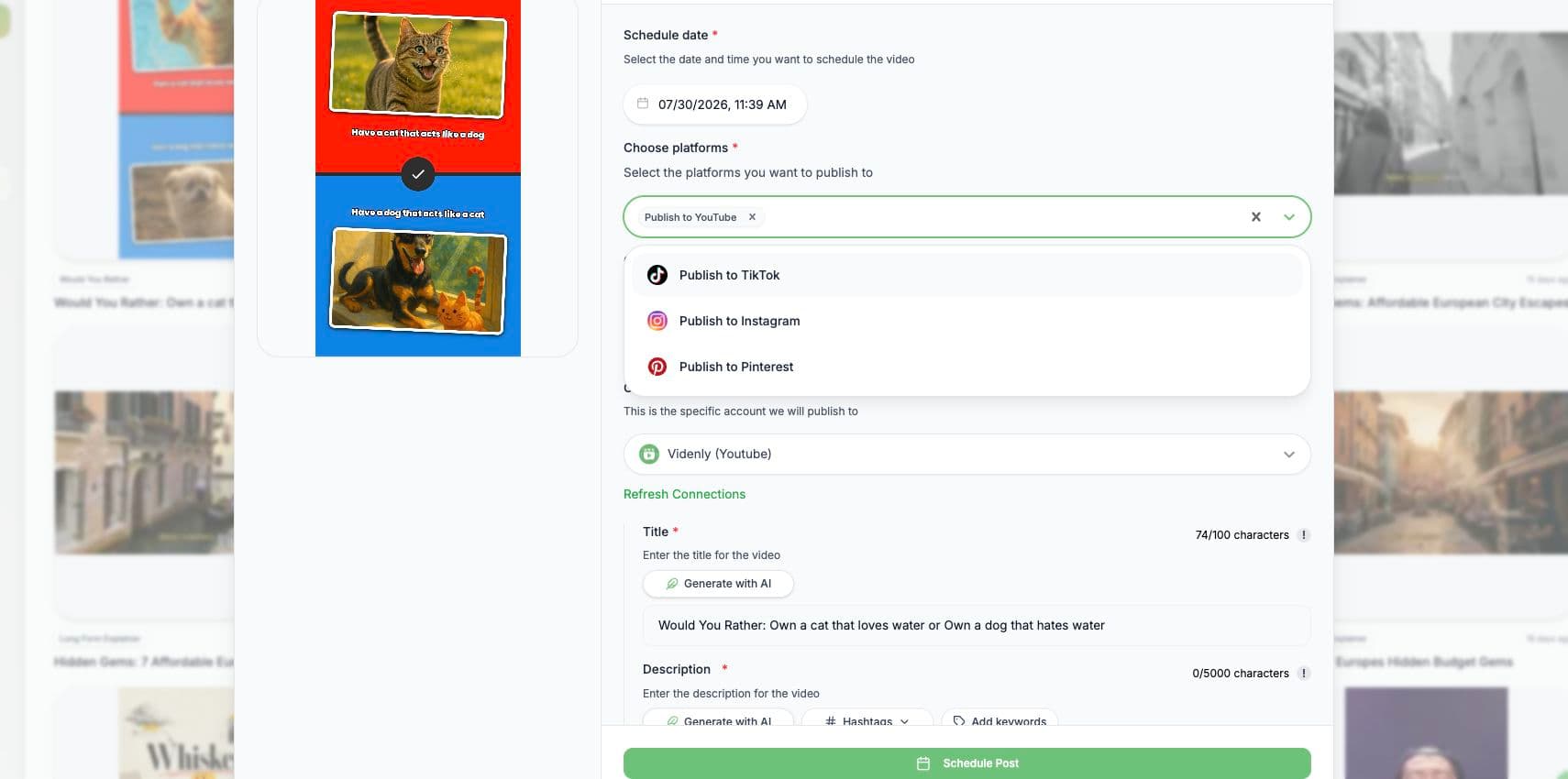
Schedule upcoming videos or prepare an approved result for publishing without separating delivery from the project that contains its settings and history.
Keep the next planned videos visible before they reach the publishing stage.
Choose the delivery timing while the approved project remains available for review.
Keep project settings and generation activity together after the video has shipped.
Projects turn one-off production decisions into a reusable, inspectable system.
Keep the record behind each generation available when you need to diagnose, revise, or reproduce the work.
Manage creative settings, generations, and upcoming work without scattering them across separate tools.
Reuse a proven project foundation when a channel, series, or campaign needs another video.
Organize projects around the unit that makes sense for the work, from a single campaign asset to a recurring channel.
Keep a stable production setup for a channel that publishes the same format repeatedly.
Organize related ads or social videos around a shared brief and creative direction.
Return to the same source project when a video needs a different aspect ratio or platform version.
Preserve the settings and generation context behind completed work instead of saving only the exported file.
Clear answers about setup, control, production, publishing, and commercial use.
It stays connected to the project where you create and manage the video, so you can use project management without moving the production into a separate tool.
Yes. Review the video, refine supported scenes, media, captions, timing, voice, music, and related settings, then decide whether to download, schedule, or publish it.
Videnly supports short-form and long-form workflows. The exact options available depend on the video workflow and format selected for the project.
When an action uses credits, Videnly shows the estimated cost before generation so you can review the selected model and settings first.
Yes. Projects preserve supported creative and production settings so recurring campaigns and channels do not have to restart from an empty configuration.
Create a project that keeps your settings, generations, and publishing workflow together.