Guide attention
Use movement to direct the viewer toward the visual or message that matters in each scene.
- Support important moments
- Avoid visually flat scenes
- Keep the subject readable

Give static scenes movement, connect cuts more smoothly, and add visual texture without leaving the project. Choose effects directly or apply them in bulk when the same treatment should carry across the video.

Effects should support the story, not distract from it. Videnly keeps motion controls inside the video workflow so transitions, scene movement, and overlays can be shaped in context with the narration and pacing.
Add movement to still visuals so a faceless video feels active even when the source media is static.
Connect scenes with transitions that support the pace and visual direction of the finished video.
Use texture and grain-style overlays to give scenes a more deliberate visual finish.
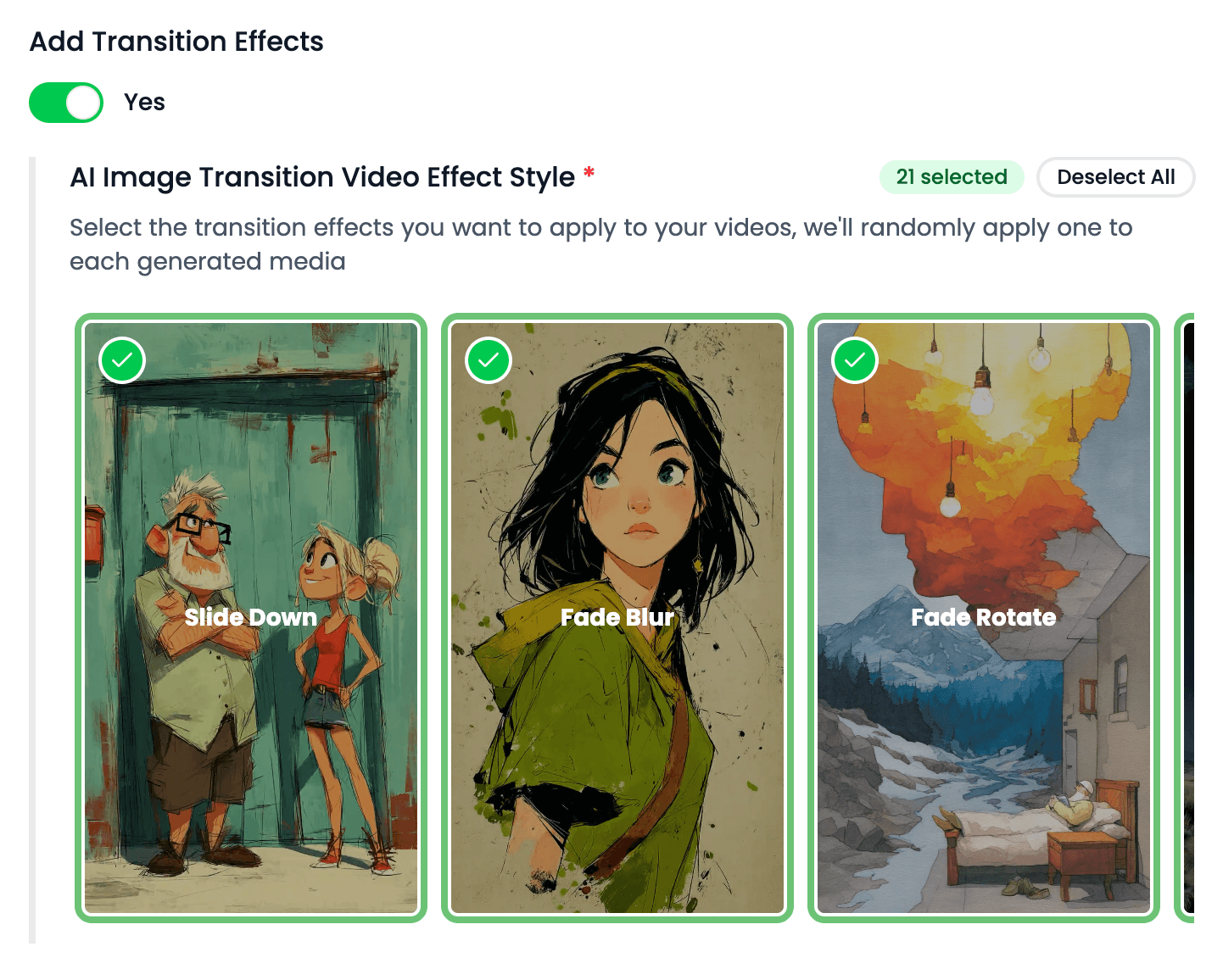
Choose where effects belong, repeat them across selected scenes, and keep the treatment consistent with the rest of the project.
Use movement to direct the viewer toward the visual or message that matters in each scene.
Make scene changes feel connected so the video plays as one production instead of unrelated assets.
Apply effects in bulk when several scenes need the same treatment, then adjust exceptions individually.
Different videos need different energy. Use restrained motion or stronger transitions based on the audience and delivery channel.
Add motion to generated imagery and stock media so narration-led videos remain visually active.
Use purposeful transitions and overlays to emphasize product moments, offers, and calls to action.
Support faster pacing with movement that keeps vertical content progressing from one beat to the next.
Use a consistent visual treatment across chapters, scene changes, and emotional shifts in the narrative.
Clear answers about setup, control, production, publishing, and commercial use.
It stays connected to the project where you create and manage the video, so you can use motion effects without moving the production into a separate tool.
Yes. Review the video, refine supported scenes, media, captions, timing, voice, music, and related settings, then decide whether to download, schedule, or publish it.
Videnly supports short-form and long-form workflows. The exact options available depend on the video workflow and format selected for the project.
When an action uses credits, Videnly shows the estimated cost before generation so you can review the selected model and settings first.
Yes. Projects preserve supported creative and production settings so recurring campaigns and channels do not have to restart from an empty configuration.
Choose the effects that fit your project and keep the entire edit inside Videnly.