More accessible viewing
Provide on-screen text for viewers who cannot or do not want to rely on the audio track.
- Sound-off support
- Clearer spoken wording
- More inclusive delivery

Turn the generated script into synchronized on-screen captions, choose a style that fits the content, and keep text readable within the project’s aspect ratio. Everything stays connected to the scenes and narration.

Videnly uses the project script and narration to build captions into the video workflow. Choose how the text looks, check how it sits in the frame, and review it with the same scenes and audio the viewer will experience.
Generate subtitle text from the same copy used for the narration so the message stays coordinated across audio and screen.
Select from the caption treatments currently configured in Videnly, from clean bold layouts to more expressive options.
Review captions inside the chosen aspect ratio so important text remains readable and does not compete with the focal point.
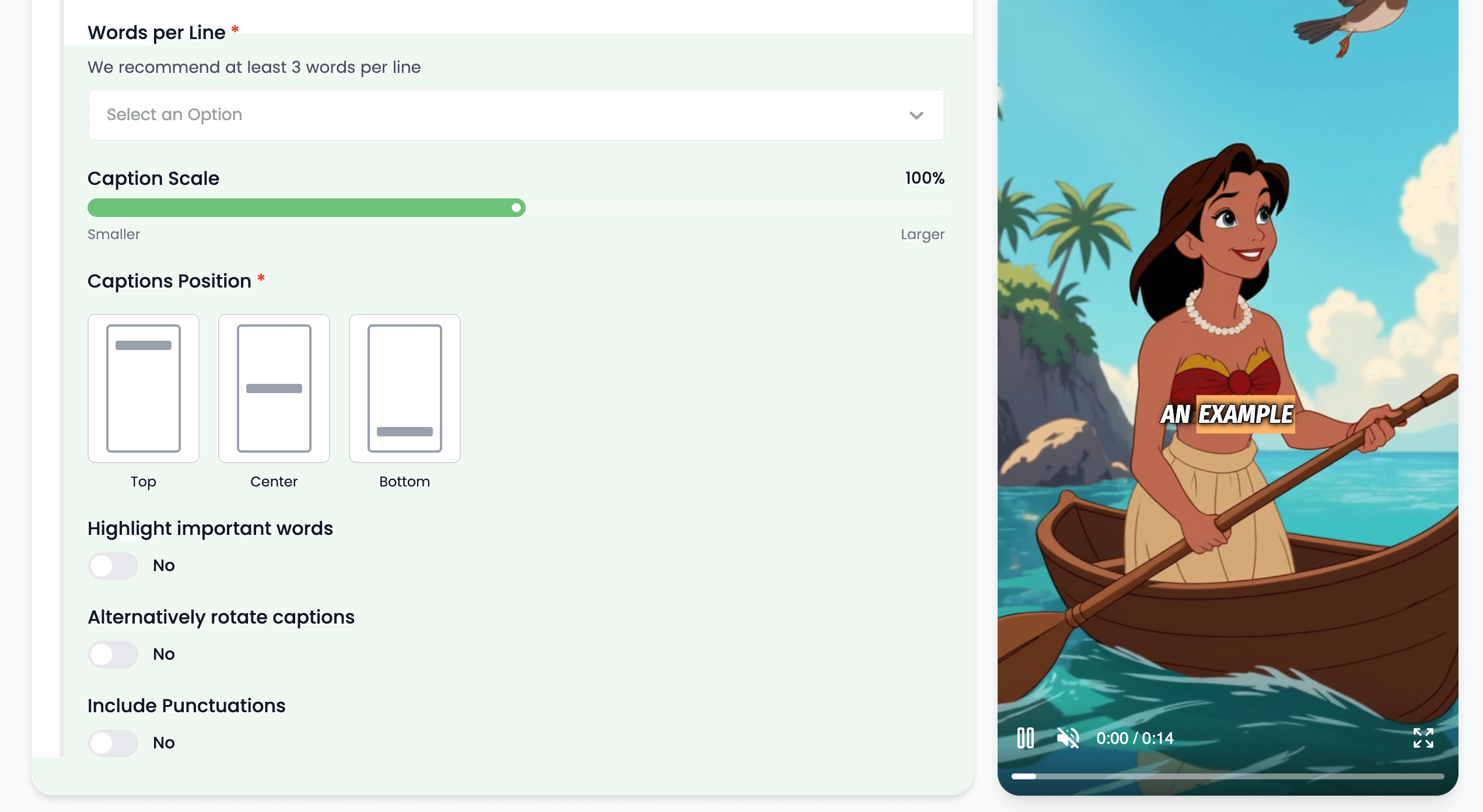
Captions give the viewer another way to understand the video and help key wording remain visible during fast-moving scenes.
Provide on-screen text for viewers who cannot or do not want to rely on the audio track.
Reinforce important words visually while the narration and scenes continue moving.
Keep spoken subjects and terms visible in the finished video and in the source project.
Choose the style and density based on where the video will be watched and how quickly the audience needs to understand it.
Use readable, attention-aware captions for TikTok, Shorts, and Reels-ready vertical videos.
Keep product language, offers, and calls to action understandable even when the viewer starts with sound off.
Use Videnly’s language and voice options to produce audience-specific versions, then keep captions aligned to each version’s script.
Reinforce terminology and step-by-step narration in tutorials, explainers, and instructional videos.
Clear answers about setup, control, production, publishing, and commercial use.
It stays connected to the project where you create and manage the video, so you can use ai captions without moving the production into a separate tool.
Yes. Review the video, refine supported scenes, media, captions, timing, voice, music, and related settings, then decide whether to download, schedule, or publish it.
Videnly supports short-form and long-form workflows. The exact options available depend on the video workflow and format selected for the project.
When an action uses credits, Videnly shows the estimated cost before generation so you can review the selected model and settings first.
Yes. Projects preserve supported creative and production settings so recurring campaigns and channels do not have to restart from an empty configuration.
Generate captions from the project script and choose a real Videnly style that fits the finished video.