Save manual effort
Reduce repeated calendar setup, file downloads, and platform upload steps for supported channels.
- Connected account setup
- Reusable schedules
- Project-based delivery

Connect supported accounts, choose when projects should produce and publish, and keep upcoming videos visible. Videnly handles the repeatable delivery work for YouTube and TikTok, with Instagram support coming soon.

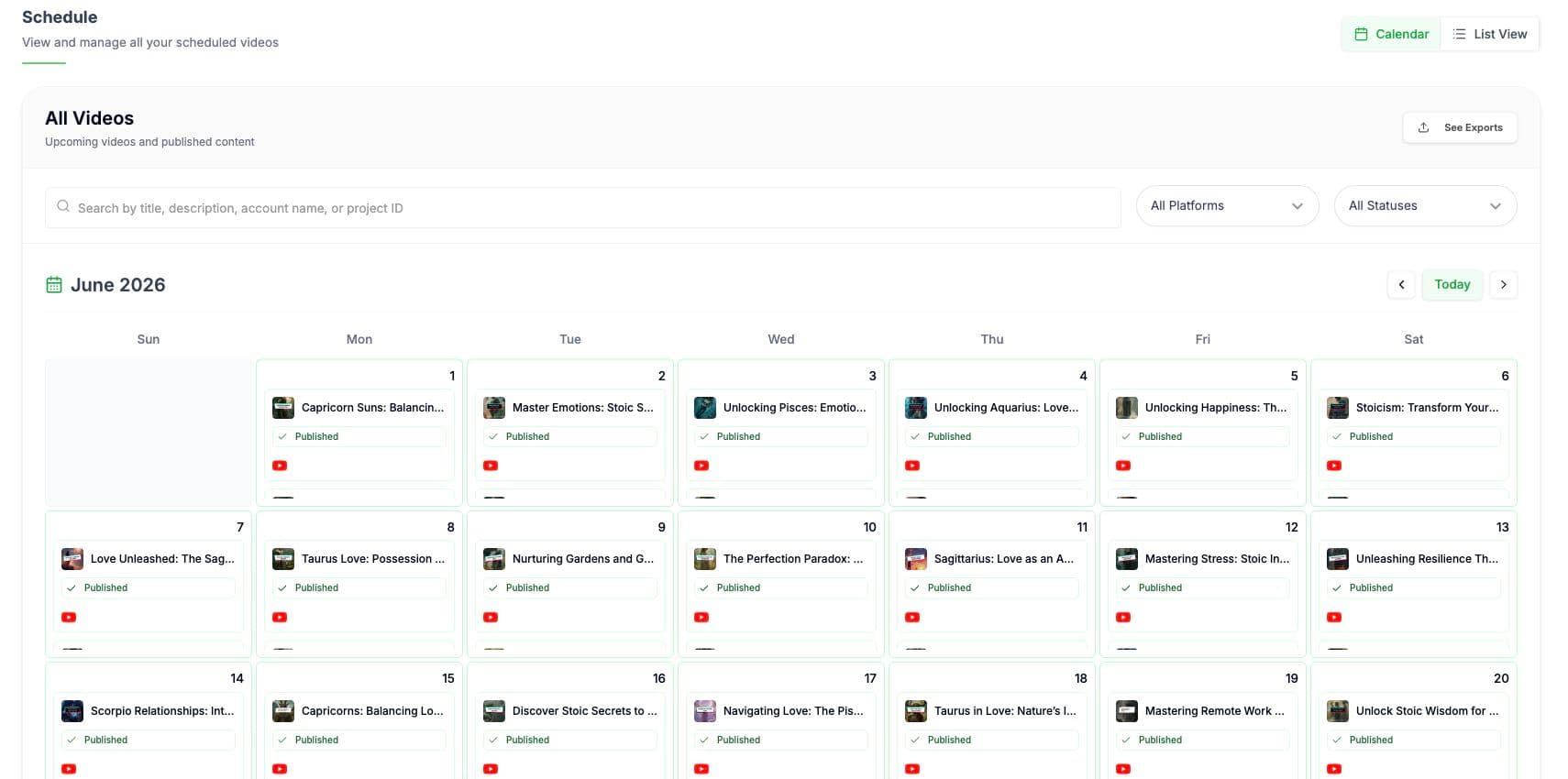
Scheduling stays connected to the project that creates the video. That makes it easier to understand what is upcoming, which account will receive it, and whether the production is ready for delivery.
Review planned videos by date instead of tracking the publishing cadence in a separate spreadsheet.
Keep timing attached to the saved creative and production settings that will generate the video.
See what is planned, ready, or already handled without reconstructing the history from platform dashboards.
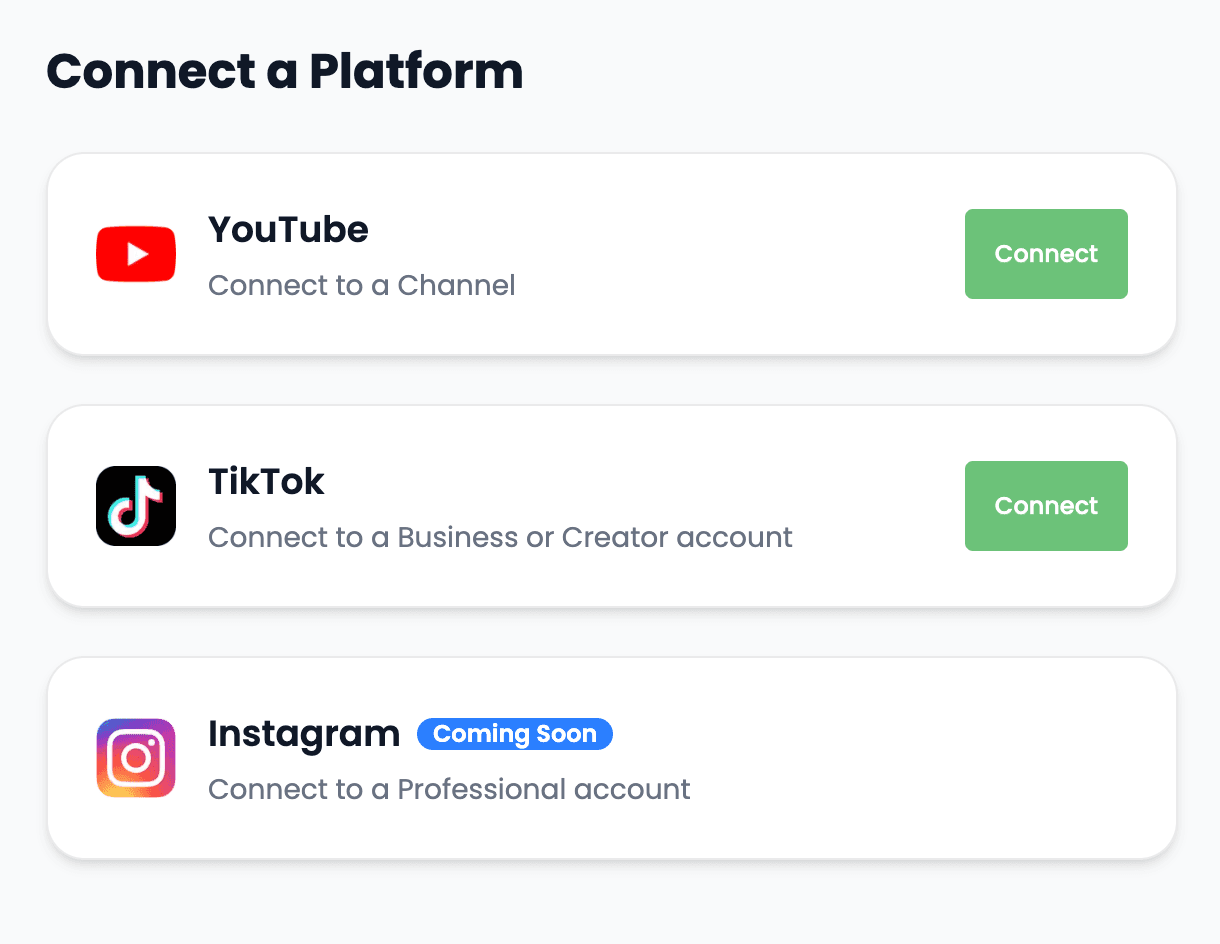
Authorize supported channels once, then choose the relevant account from the project instead of repeating the login and upload flow for every video.
Link the channel that should receive long-form videos or Shorts from the project.
Connect the account used for vertical video delivery and draft or direct-post workflows.
Keep Instagram in the future publishing plan without presenting the connection as currently available.
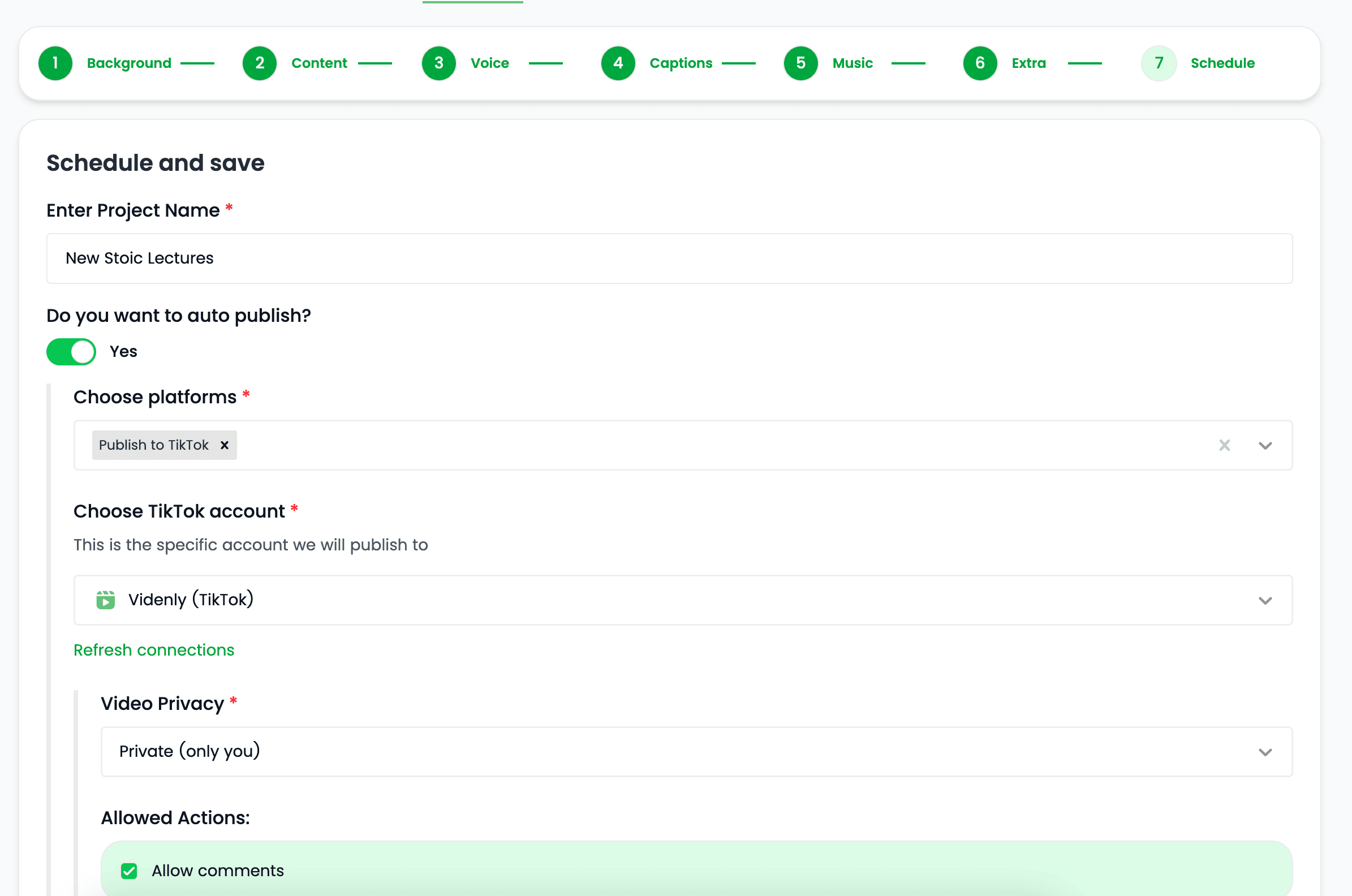
Choose the project settings, cadence, destination, and content direction that Videnly should use for recurring production and delivery.
Choose the publishing rhythm that fits the channel rather than creating each calendar entry manually.
Keep the format, style, voice, and other project settings stable across scheduled videos.
Confirm the automation setup before it begins producing work for the connected account.
Videnly generates and prepares scheduled videos according to the project configuration, then moves approved or automated work into the selected publishing path.
Use the project cadence to create upcoming work without beginning every production by hand.
Keep destination-specific publishing information with the video before delivery.
Return to the calendar and project history to see what the workflow is preparing next.
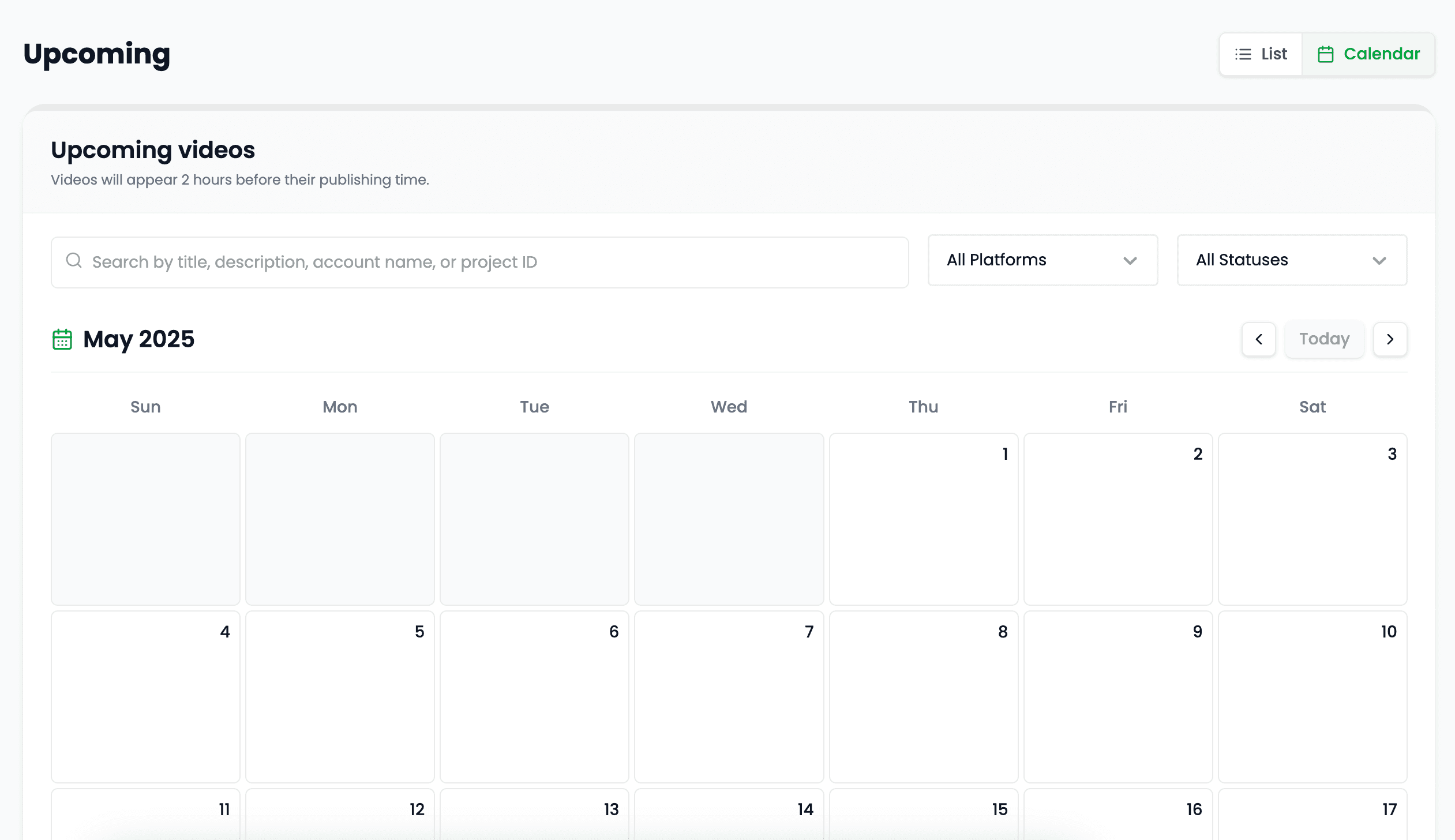
Automate the repeatable parts of delivery while keeping projects and upcoming content visible.
Reduce repeated calendar setup, file downloads, and platform upload steps for supported channels.
Use the same project settings and cadence across a recurring content workflow.
See what is planned and where it belongs before the scheduled publish time arrives.
Scheduling is most valuable where the publishing pattern is repeatable and the project direction is already established.
Plan recurring long-form videos or Shorts around a saved project and channel schedule.
Keep vertical videos moving into a repeatable draft or publishing workflow.
Pair generation and publishing settings when a content workflow is designed to run with less manual input.
Prepare Reels-ready videos and cadence now while direct Instagram publishing remains listed as coming soon.
Clear answers about setup, control, production, publishing, and commercial use.
It stays connected to the project where you create and manage the video, so you can use automated scheduling without moving the production into a separate tool.
Yes. Review the video, refine supported scenes, media, captions, timing, voice, music, and related settings, then decide whether to download, schedule, or publish it.
Videnly supports short-form and long-form workflows. The exact options available depend on the video workflow and format selected for the project.
When an action uses credits, Videnly shows the estimated cost before generation so you can review the selected model and settings first.
Yes. Projects preserve supported creative and production settings so recurring campaigns and channels do not have to restart from an empty configuration.
Connect a supported channel, configure the project, and keep upcoming video delivery visible.