Better composition
Create scenes around the actual output dimensions instead of trimming a finished video as an afterthought.
- Protected focal points
- More intentional framing
- Less manual repositioning

Choose vertical, horizontal, or square output based on where the video will be watched. Keep the platform format in the production setup so scenes, captions, and composition are designed for the frame from the beginning.

Aspect ratio affects more than export dimensions. It changes how subjects are composed, how captions fit, and how much room each visual has. Videnly makes the format part of the project before the video is finished.
Define the frame during project setup so the production is composed around the intended output.
Keep subjects, titles, and captions readable within the available vertical, horizontal, or square space.
Create the version that fits long-form players, mobile feeds, or square placements without forcing one crop everywhere.
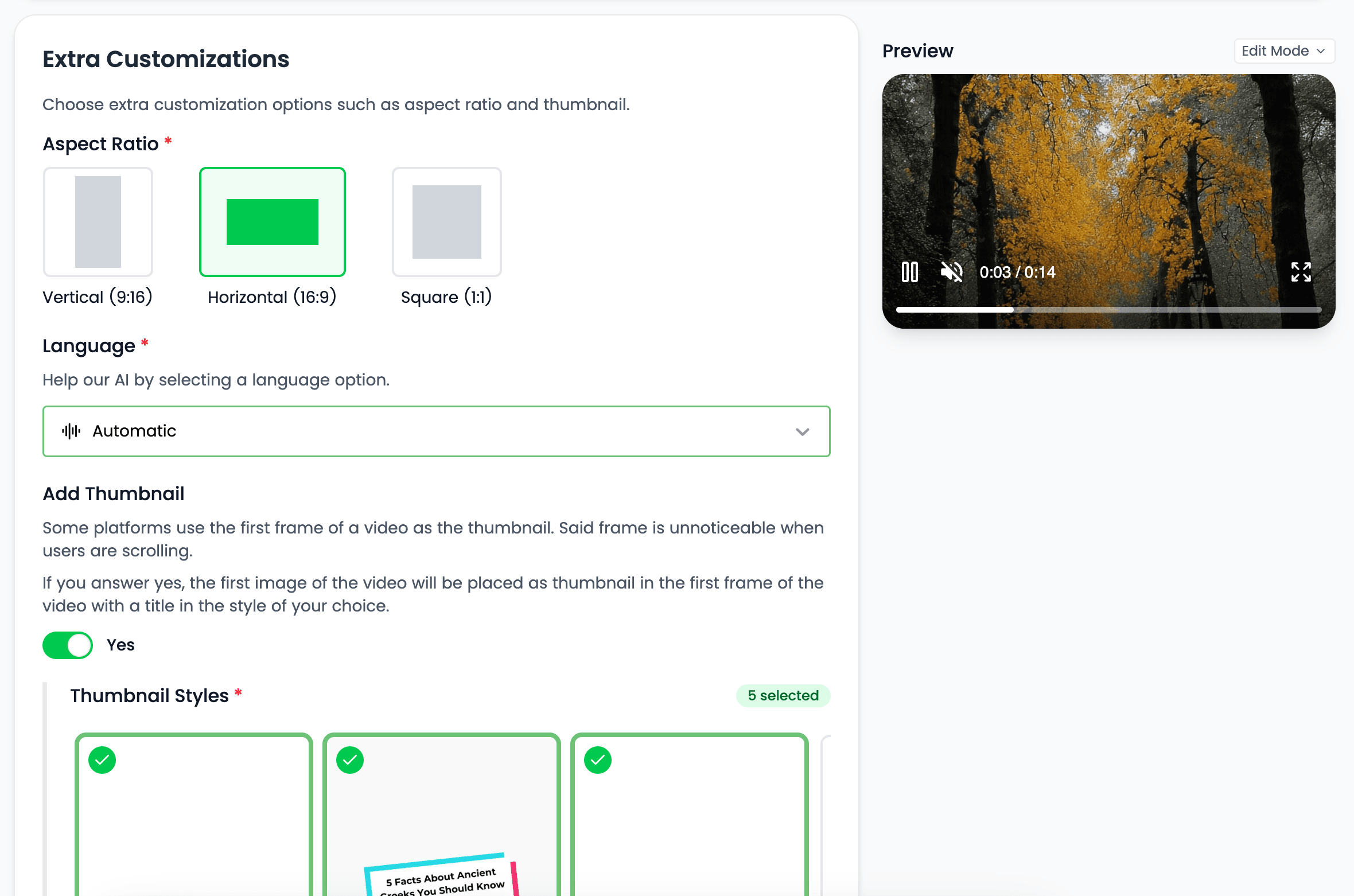
Vertical video uses the full phone display and suits fast-moving feed content. Compose the visual and on-screen text for a narrow frame rather than cropping a horizontal edit at the end.
Create a mobile-first frame for TikTok and YouTube Shorts.
Prepare vertical creative for Instagram Reels even while direct Instagram publishing remains upcoming.
Keep subtitle placement and scene composition appropriate for a tall, narrow canvas.
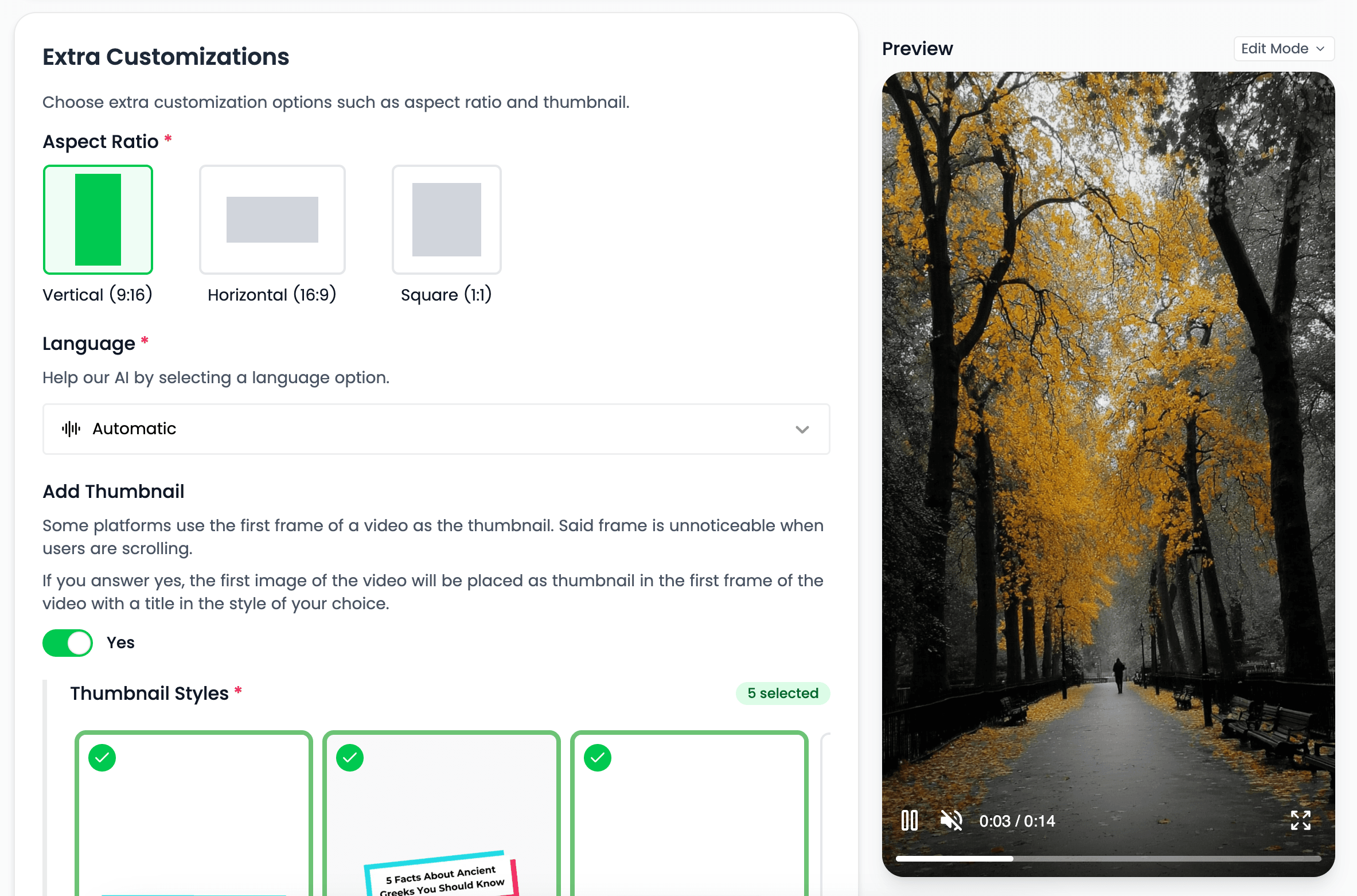
Horizontal output gives explainers, tutorials, and standard YouTube videos more room for wide compositions and longer viewing sessions.
Use the native widescreen format for channel uploads and desktop or television playback.
Give diagrams, product views, and multi-element scenes the horizontal space they need.
Compose the production for a viewing format that supports more detailed narration and scene development.
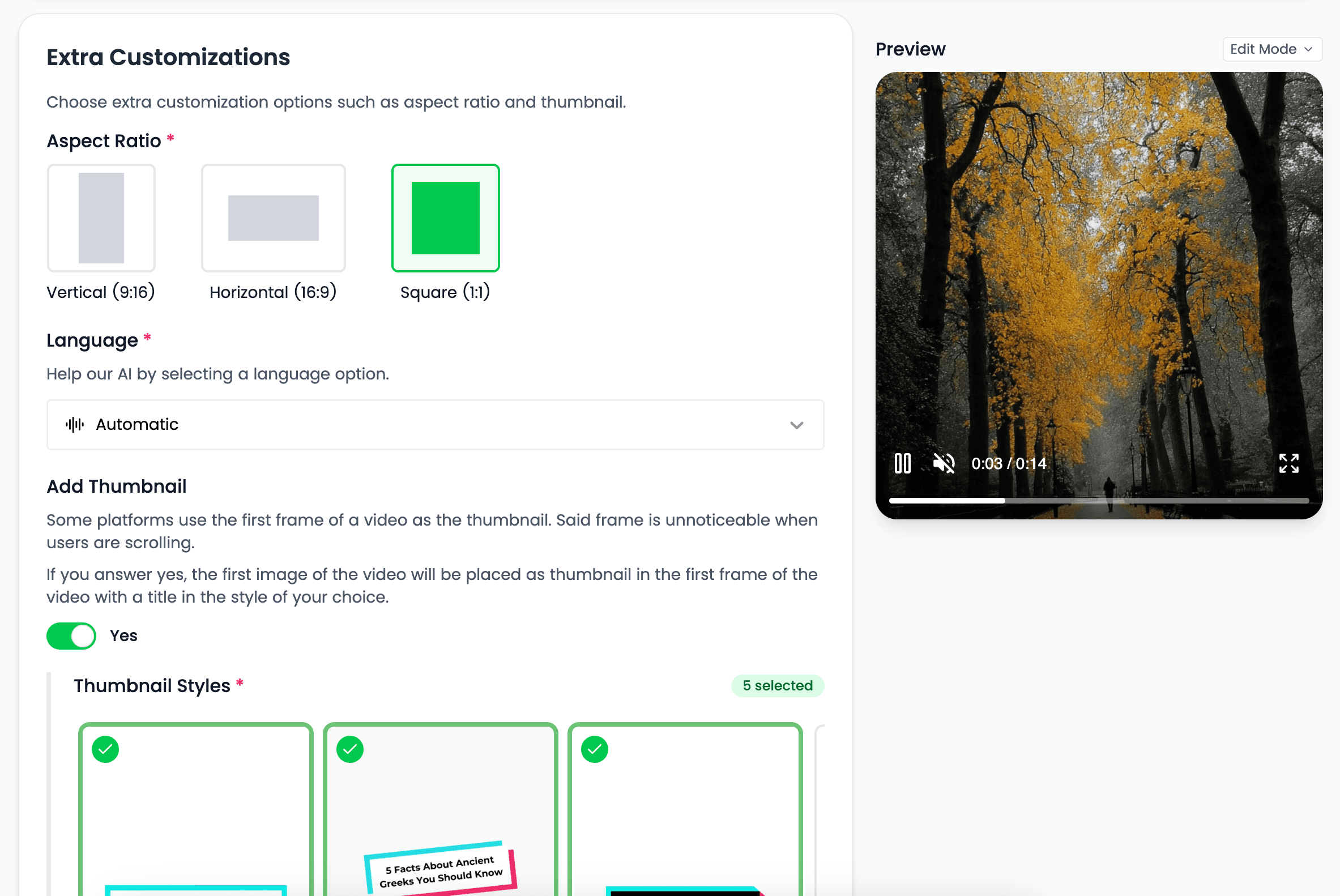
Square video offers a balanced canvas for feed placements and reusable social creative. It keeps more screen presence than a wide crop without requiring a full vertical composition.
Create a compact composition that works in square social placements.
Keep the subject and primary message balanced within equal width and height.
Use square output when a campaign needs a versatile asset for more than one feed environment.
Treating aspect ratio as a production choice protects the important parts of each scene and keeps the final video legible.
Create scenes around the actual output dimensions instead of trimming a finished video as an afterthought.
Select the viewing format that matches how the audience encounters the video.
Keep aspect ratio attached to the same production settings as the visuals, captions, and video type.
Choose based on the destination and the type of story, not simply on which export is easiest.
Use 9:16 for TikTok, YouTube Shorts, and Reels-ready video.
Use 16:9 for standard YouTube, explainers, tutorials, and widescreen playback.
Use 1:1 for balanced feed placements and flexible campaign assets.
Create distinct versions when the same message needs to work across more than one viewing environment.
Clear answers about setup, control, production, publishing, and commercial use.
It stays connected to the project where you create and manage the video, so you can use aspect ratios without moving the production into a separate tool.
Yes. Review the video, refine supported scenes, media, captions, timing, voice, music, and related settings, then decide whether to download, schedule, or publish it.
Videnly supports short-form and long-form workflows. The exact options available depend on the video workflow and format selected for the project.
When an action uses credits, Videnly shows the estimated cost before generation so you can review the selected model and settings first.
Yes. Projects preserve supported creative and production settings so recurring campaigns and channels do not have to restart from an empty configuration.
Choose the aspect ratio that fits the platform before Videnly creates the video around it.