Fast iteration
Update the narration when a script changes without scheduling another recording session.
- Regenerate revised lines
- Keep audio in the project
- Review with the complete edit

Turn the script into narration, compare voices that fit the audience and format, and keep the selected delivery connected to the project. Update the voiceover when the copy changes without starting a separate audio production process.
Voiceover is part of the production, not an audio file added at the end. Videnly keeps the script, voice selection, and generated narration in the same workflow as the scenes, captions, music, and timing.
Compare voices with different tones and delivery styles to find the one that fits the subject and intended audience.
Select a voice direction that supports the energy, clarity, and emotional weight of the script.
Create an updated narration track when the script changes instead of patching together mismatched recordings.
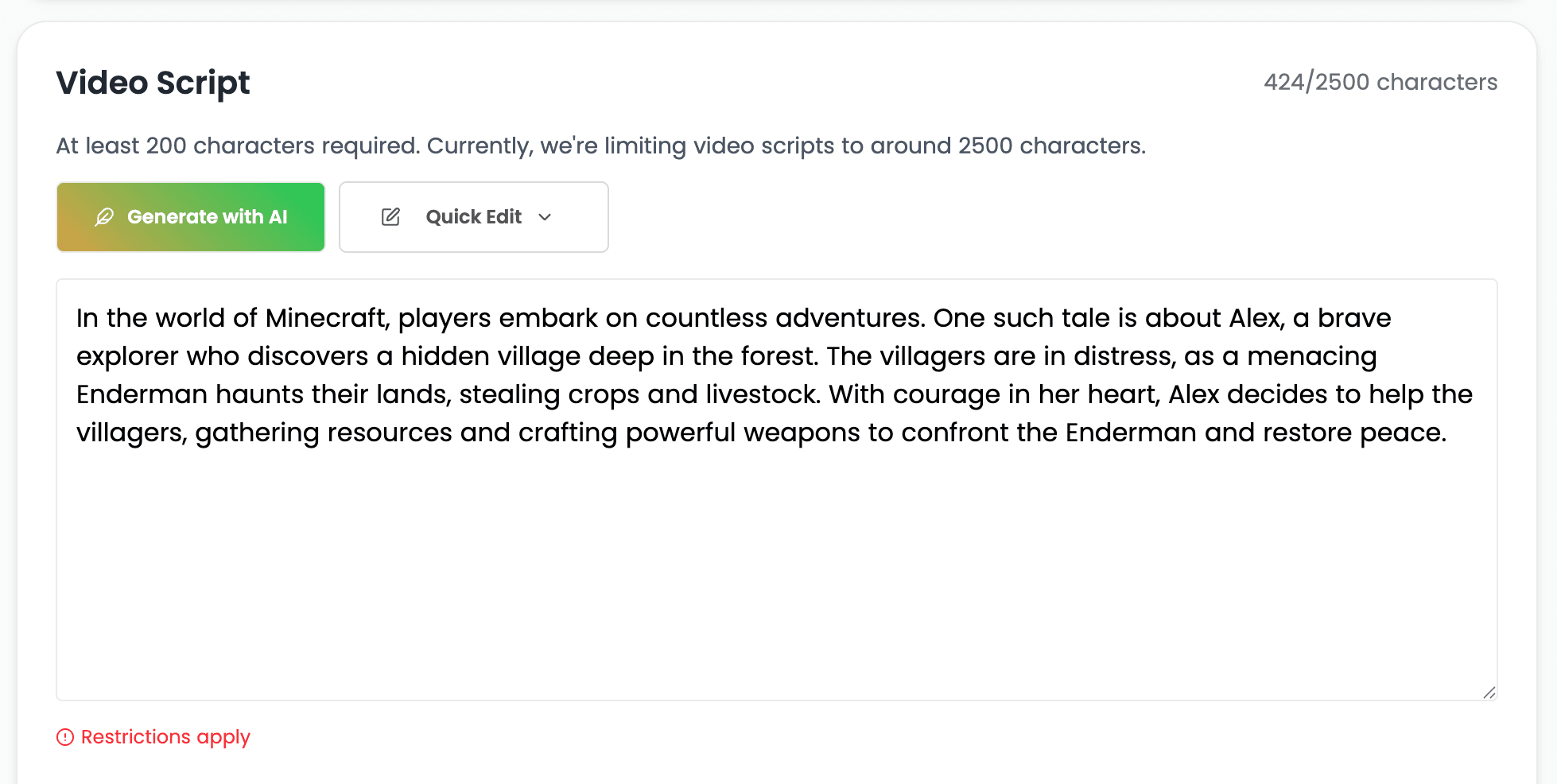
Use the project script as the foundation for the voice track. Clean structure and intentional wording help the narration follow the same message as the visuals and captions.
Keep narration tied to the same script that drives the scenes and on-screen text.
Check names, product terms, and unusual wording before generating the final track.
Edit the source copy while it is still easy to regenerate the complete narration.
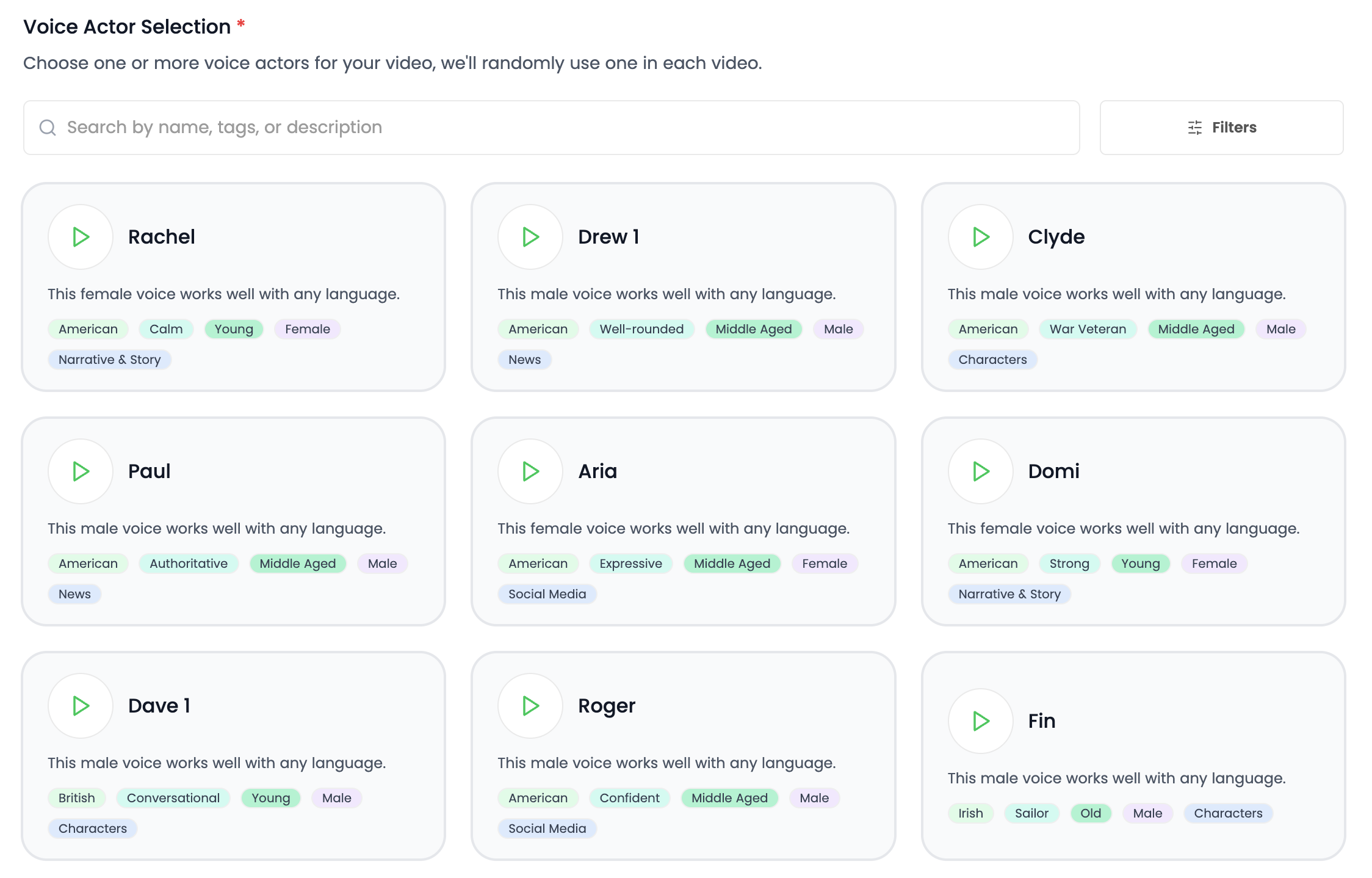
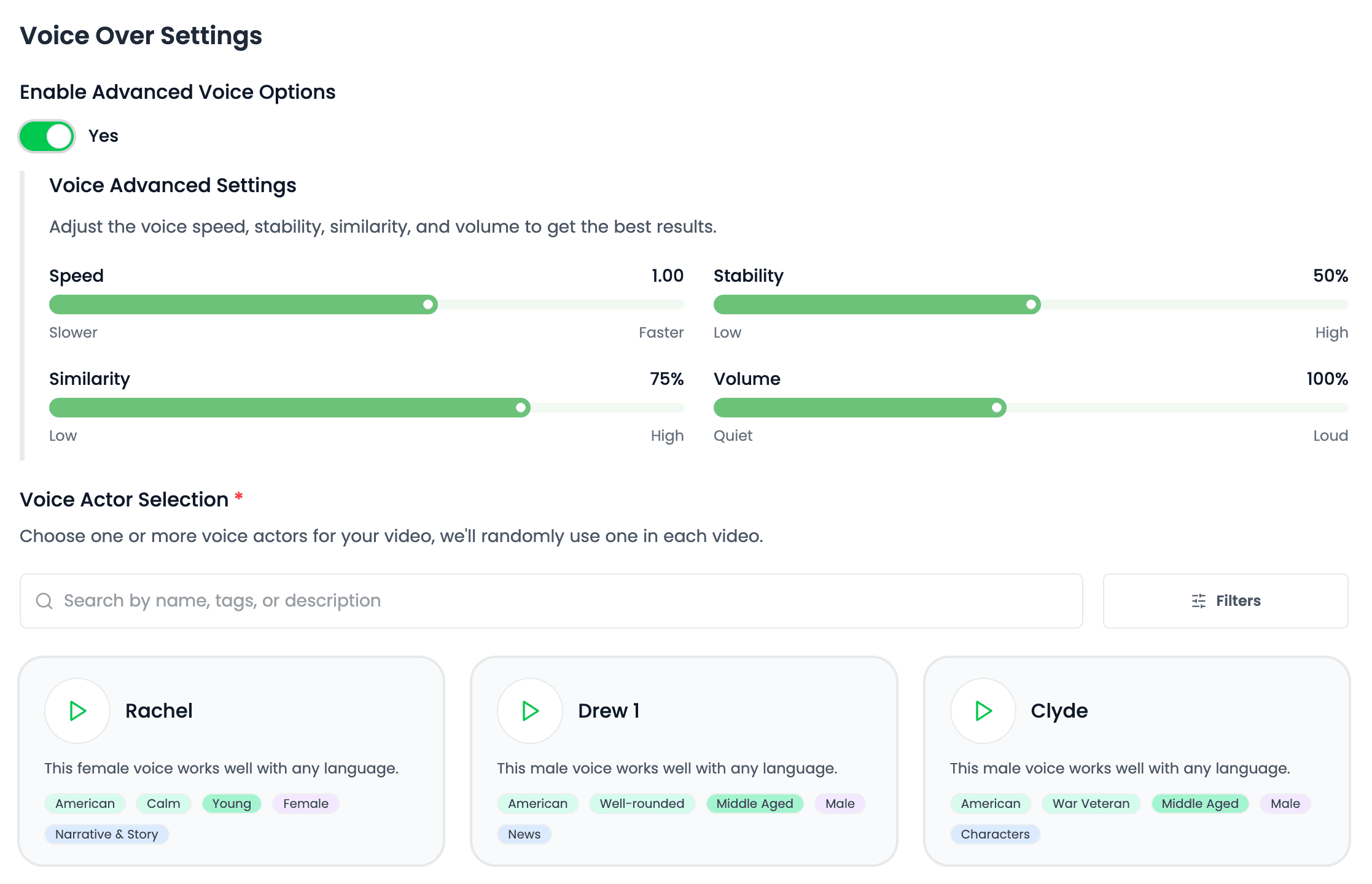
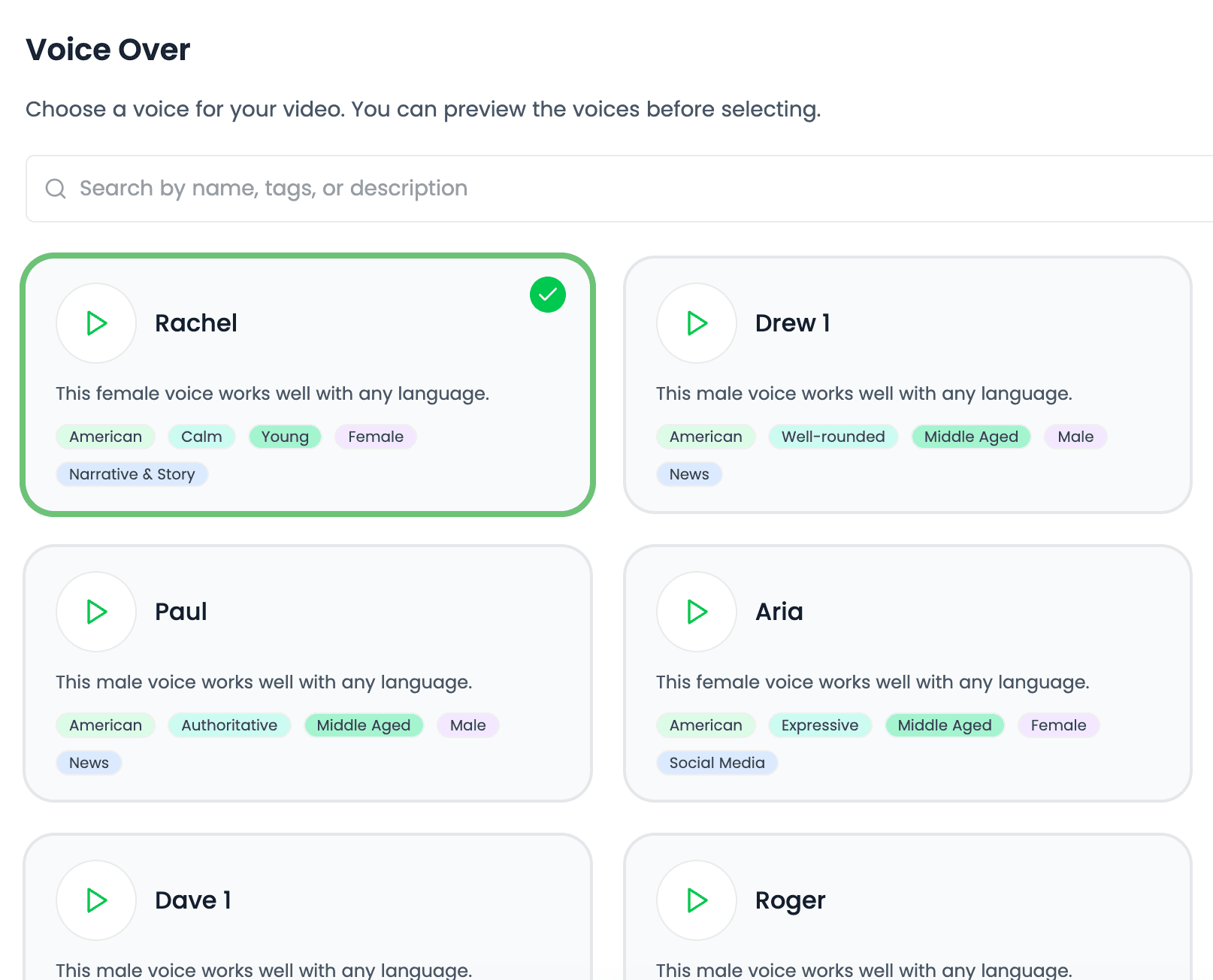
Preview available voices and choose the delivery that supports the content. A tutorial, dramatic story, product ad, and calm explainer should not all sound the same.
Listen for clarity, energy, warmth, authority, or conversational delivery based on the production goal.
Reuse the same voice choice across related projects when the content should feel familiar.
Choose narration that works with the pacing and scene structure rather than forcing the visuals around a disconnected track.
Generate the track, listen with the scenes, captions, and soundtrack, then revise the script or voice choice when the complete video needs a different delivery.
Judge whether emphasis and pacing support what appears on screen at each moment.
Make sure the voice remains clear when background music is part of the project.
Produce an updated track when the wording or creative direction changes.
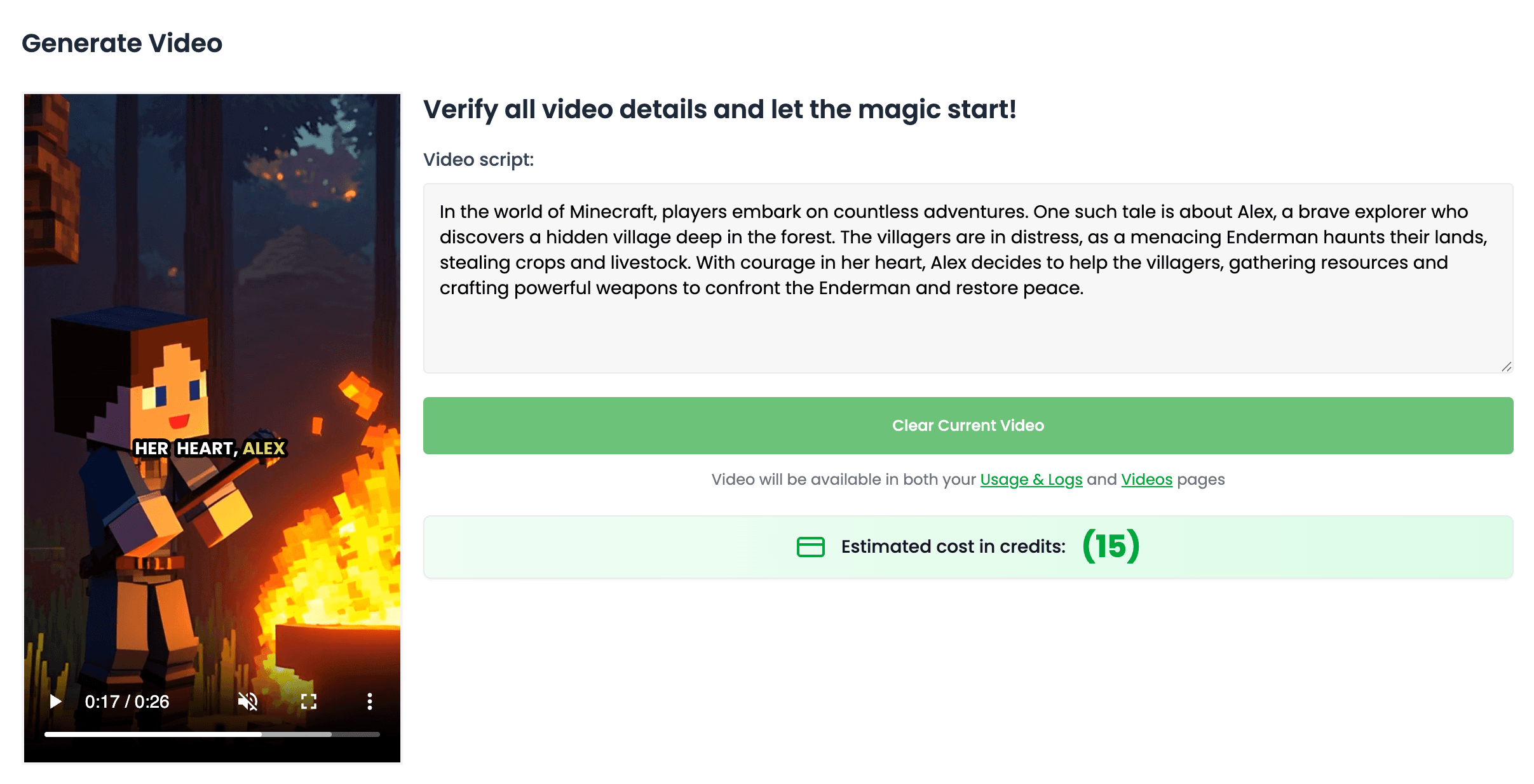
AI voiceover removes the recording setup while preserving the choices that shape how the message is delivered.
Update the narration when a script changes without scheduling another recording session.
Reuse voice selections across a series, channel, or campaign when the narration should remain recognizable.
Choose language-appropriate voice options when producing versions for different audiences.
Choose narration based on what the video needs to communicate, then manage it within the same production system.
Use a clear, steady delivery for tutorials, educational content, and step-by-step videos.
Choose a more energetic or conversational voice for product angles and calls to action.
Match the emotional direction of stories, documentaries, and faceless channel content.
Create voice tracks for different language audiences while keeping the core production structure intact.
Clear answers about setup, control, production, publishing, and commercial use.
It stays connected to the project where you create and manage the video, so you can use ai voiceover without moving the production into a separate tool.
Yes. Review the video, refine supported scenes, media, captions, timing, voice, music, and related settings, then decide whether to download, schedule, or publish it.
Videnly supports short-form and long-form workflows. The exact options available depend on the video workflow and format selected for the project.
When an action uses credits, Videnly shows the estimated cost before generation so you can review the selected model and settings first.
Yes. Projects preserve supported creative and production settings so recurring campaigns and channels do not have to restart from an empty configuration.
Add the script, compare voice options, and review the generated narration inside the complete project.