Faster first drafts
Move from an idea to a reviewable video without assembling a separate workflow for every production layer.
- One connected workflow
- Fewer handoffs between tools
- Reusable project settings

Give Videnly a topic, prompt, or script and build a complete faceless video in one production system. Review the plan, shape the creative choices, and keep every part of the video connected through export.

Videnly turns the brief into a coordinated production instead of a loose collection of generated assets. The script, scenes, narration, captions, music, and format remain part of the same project and can be reviewed before publishing.
Begin with a topic, a production brief, or finished copy, depending on how much control you want over the first draft.
Keep visuals, voice, captions, soundtrack, aspect ratio, and project settings together as one editable video.
Inspect the generated direction and adjust the parts that matter without rebuilding the entire production from scratch.
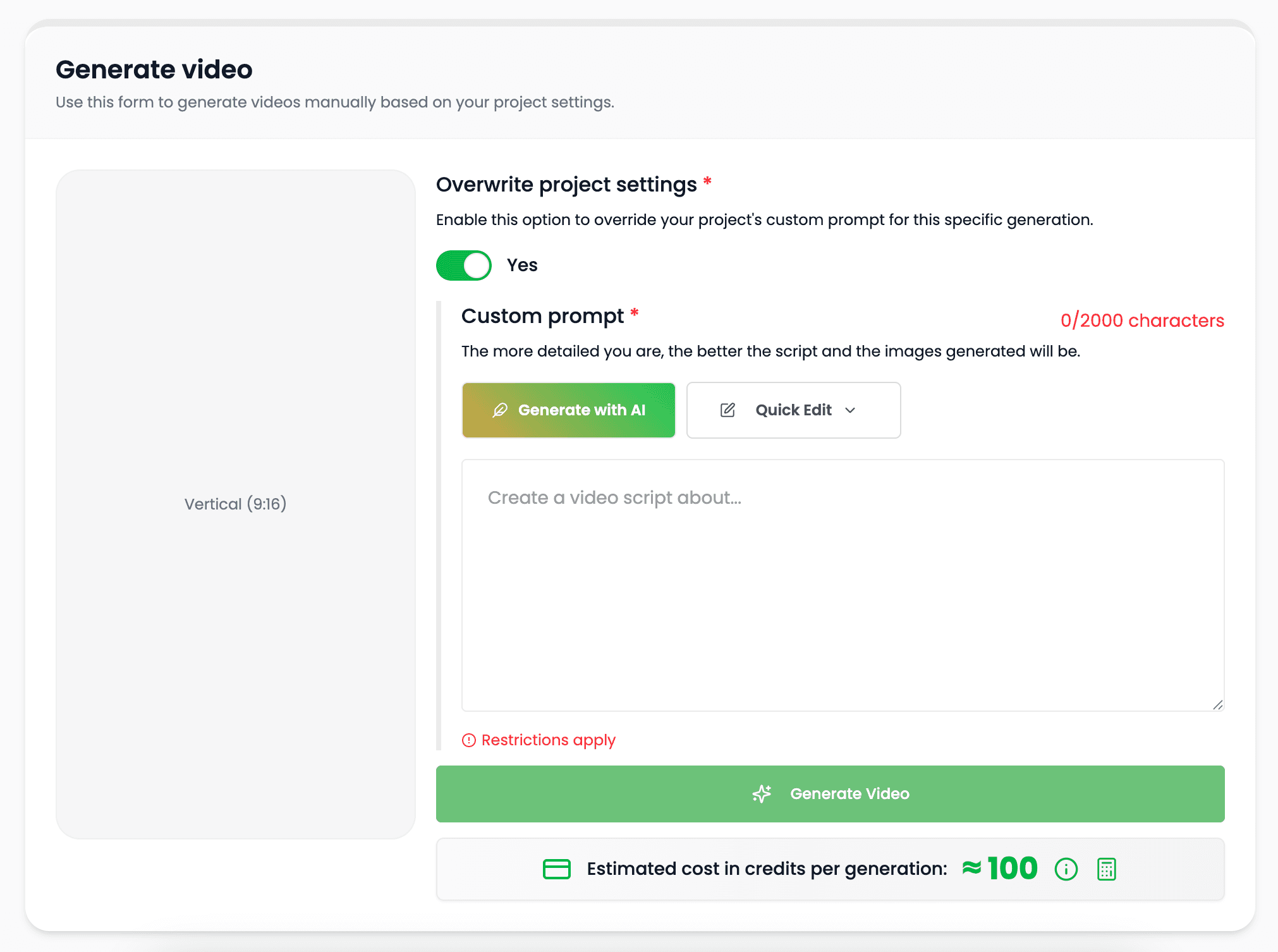
Set the subject, audience, format, and goal in plain language. Use a short idea for a new draft or provide source copy when the wording already exists.
Turn a concept into a structured video without preparing every scene manually.
Use a script, article, product description, or other source text as the production starting point.
Tell Videnly what you are making and where it will be watched so the plan fits the intended format.
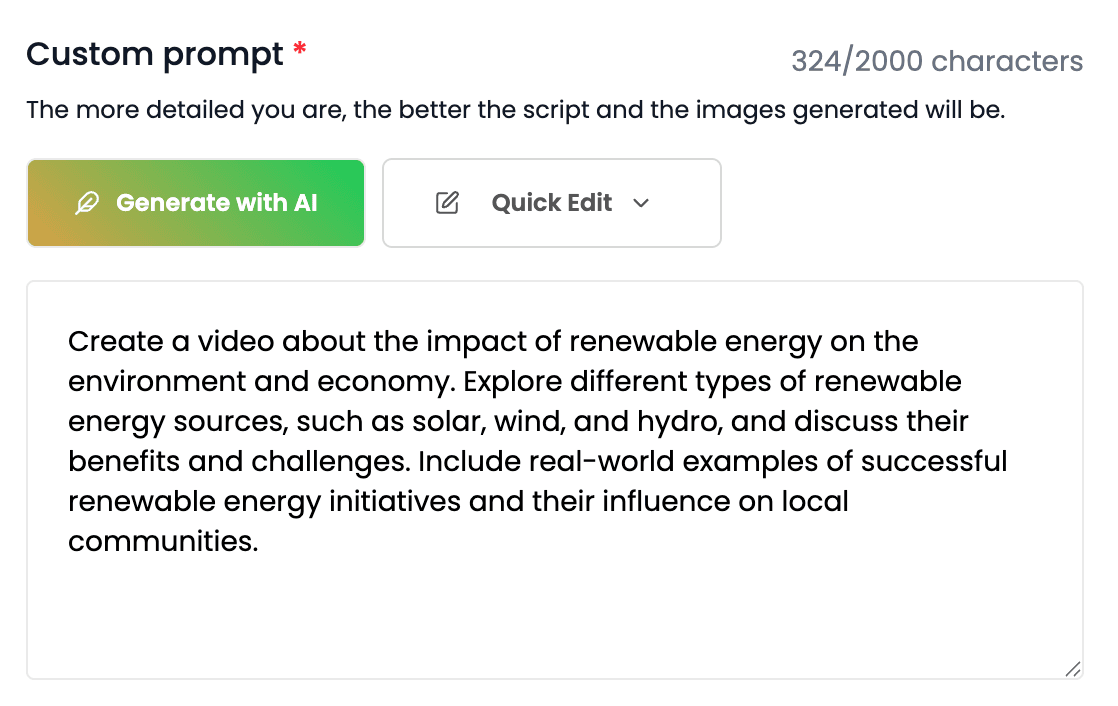
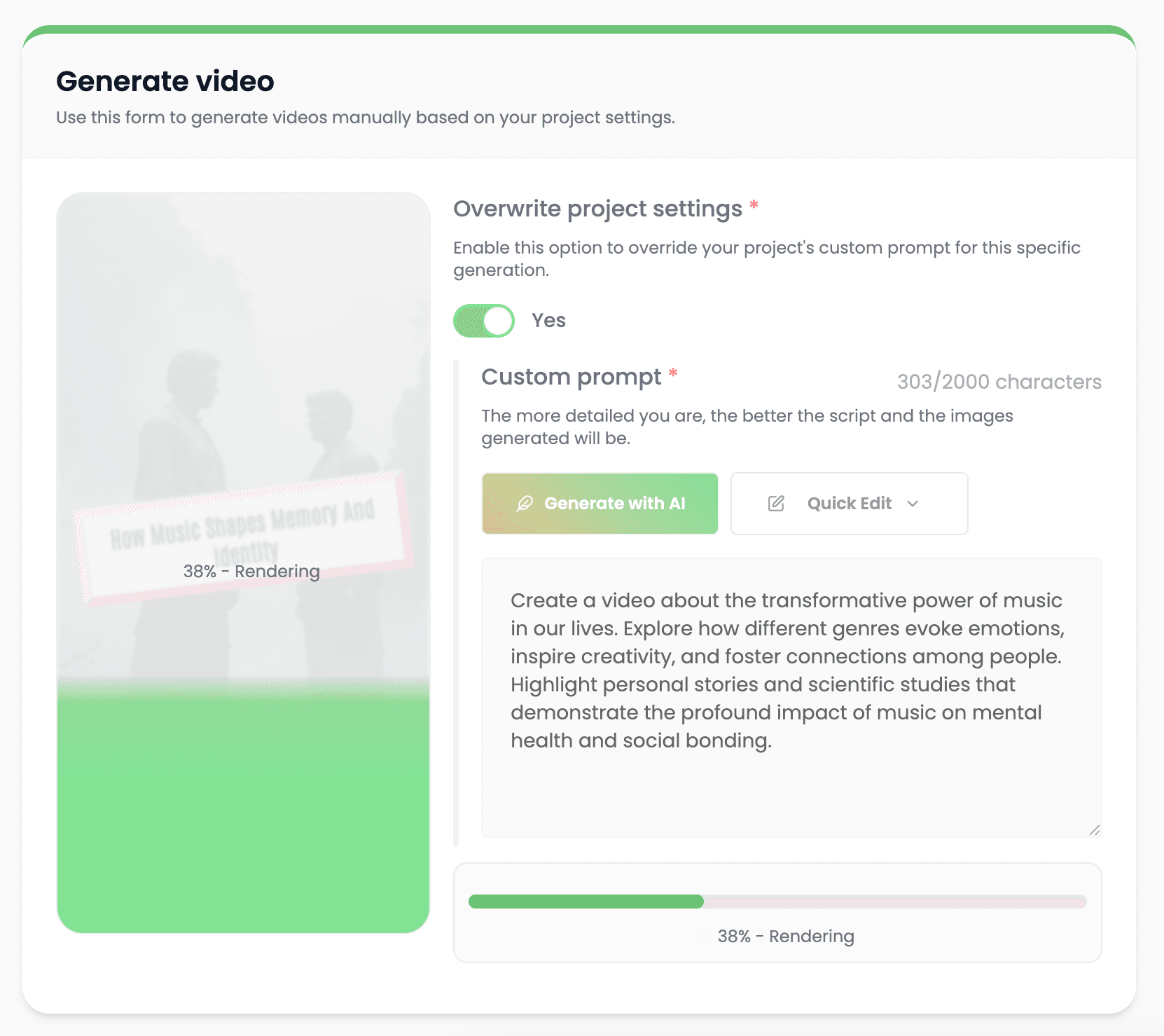
Videnly analyzes the content and assembles the pieces of the video around the same creative direction. Narration, visuals, pacing, and on-screen text work toward one message.
Break the idea into scenes with a clear sequence instead of treating the prompt as one undifferentiated block.
Pair visuals with each section and create a voice track that follows the script.
Build supporting text and sound into the production so they are ready for review with the video.
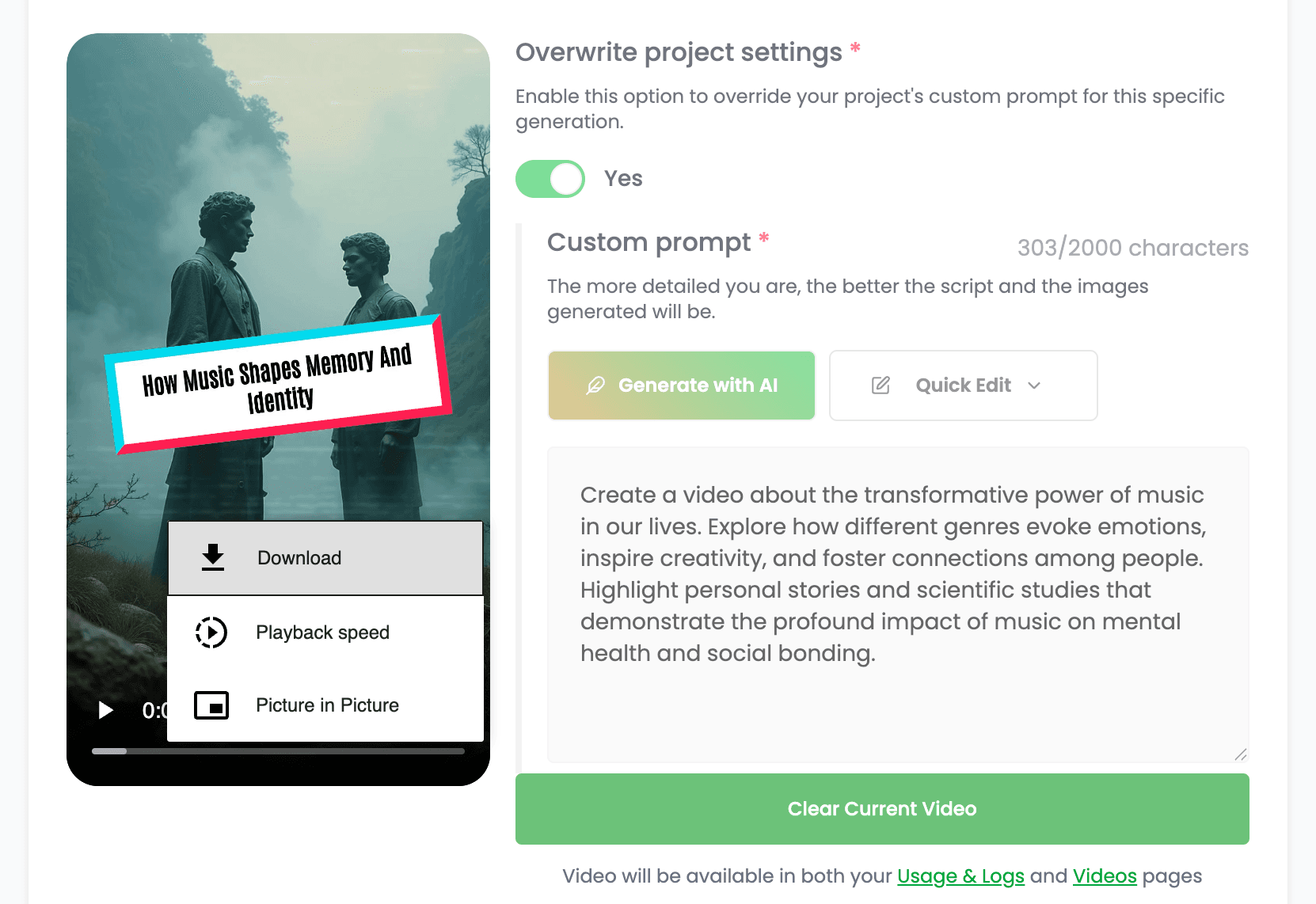
Check the generated result, change individual creative choices, and export the approved version. The project stays available for another cut, correction, or platform format.
Review the scenes, voice, captions, music, and pacing together before calling the production finished.
Update the part that needs attention while preserving the rest of the approved project.
Finish with the format and aspect ratio appropriate for the channel where the video will be used.
Use AI for repetitive production work while keeping the decisions that shape the final video visible and editable.
Move from an idea to a reviewable video without assembling a separate workflow for every production layer.
Regenerate or revise individual choices when the script, audience, or campaign direction changes.
Create visuals, voice, captions, and audio around the same script so the final piece feels intentionally produced.
Use the same connected process for recurring content, campaign work, and new creative formats.
Produce faceless videos for channels that need a repeatable structure, recognizable style, and consistent publishing workflow.
Create vertical videos for Shorts and TikTok with a focused message, captions, and mobile-first formatting.
Turn a product angle into an ad-ready video with coordinated scenes, narration, and on-screen messaging.
Transform existing scripts, articles, and ideas into a video format without rebuilding the source material manually.
Clear answers about setup, control, production, publishing, and commercial use.
It stays connected to the project where you create and manage the video, so you can use ai video generation without moving the production into a separate tool.
Yes. Review the video, refine supported scenes, media, captions, timing, voice, music, and related settings, then decide whether to download, schedule, or publish it.
Videnly supports short-form and long-form workflows. The exact options available depend on the video workflow and format selected for the project.
When an action uses credits, Videnly shows the estimated cost before generation so you can review the selected model and settings first.
Yes. Projects preserve supported creative and production settings so recurring campaigns and channels do not have to restart from an empty configuration.
Start with an idea or script and keep the entire production in one editable Videnly project.