
Unsolved Mysteries AI Video Generator Demo & Examples
Try a few settings from the AI story workflow. Create your own video in the app.
This is a demo, in order to finish generating a video, you will need tocreate an accountand have a subscription.
Background Media
Select the type of background and art style for your ai story video
Type *
Select the type of background you want for your videos
This demo uses Static AI Images. All four background types are available in the app.
Art Style *
1 selectedChoose the art style you want for your videos
Movement Effects
Add moving effects to the generated media
Transition Effects
Add transition effects between each media of your video
Start automating today!
Elevate your brand with Videnly’s powerful automation and stunning, customized video content.
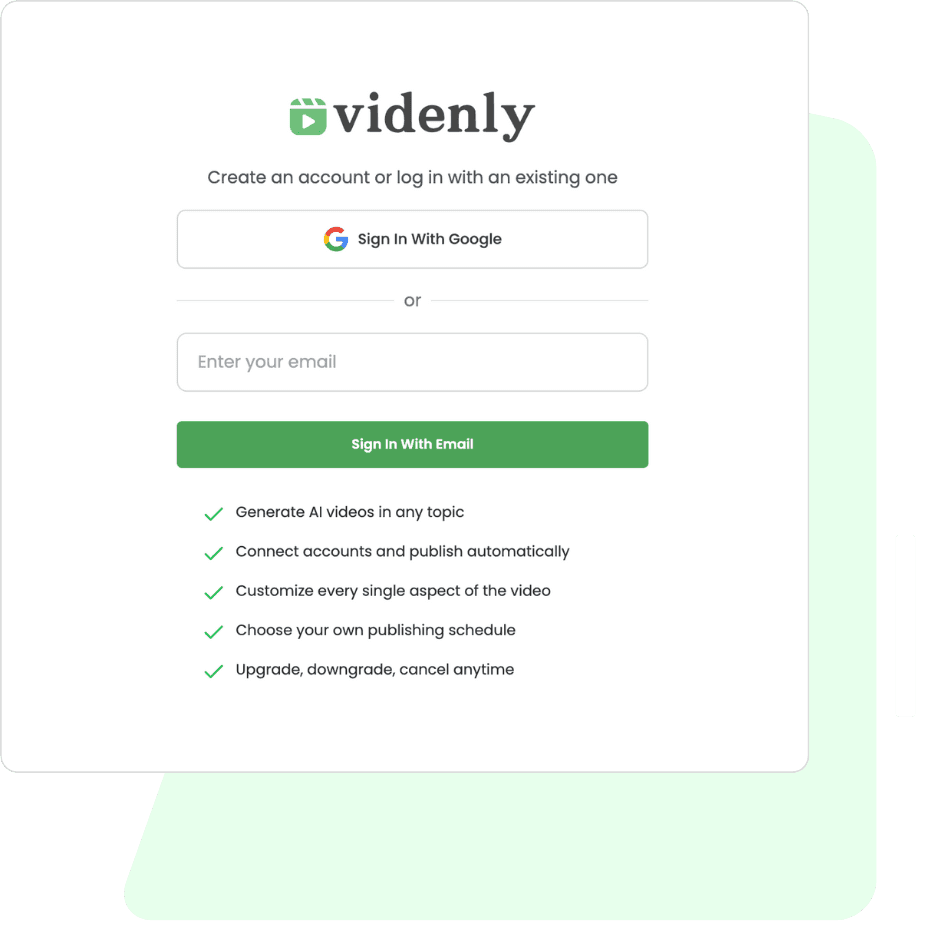
Sign up to get started
Create your Videnly account with just your email, giving you access to a suite of tools for effortless video content creation.
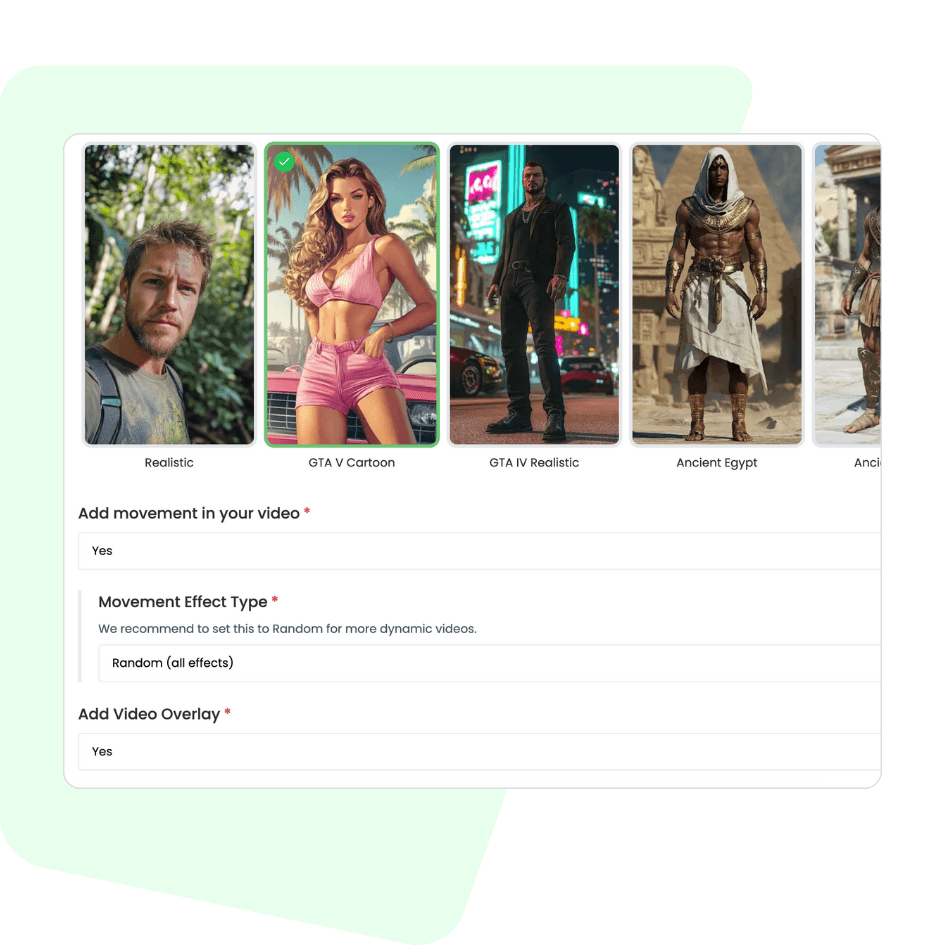
Build your first project
Set up your project by defining video prompts and personalizing every detail to align with your brand’s style and voice.
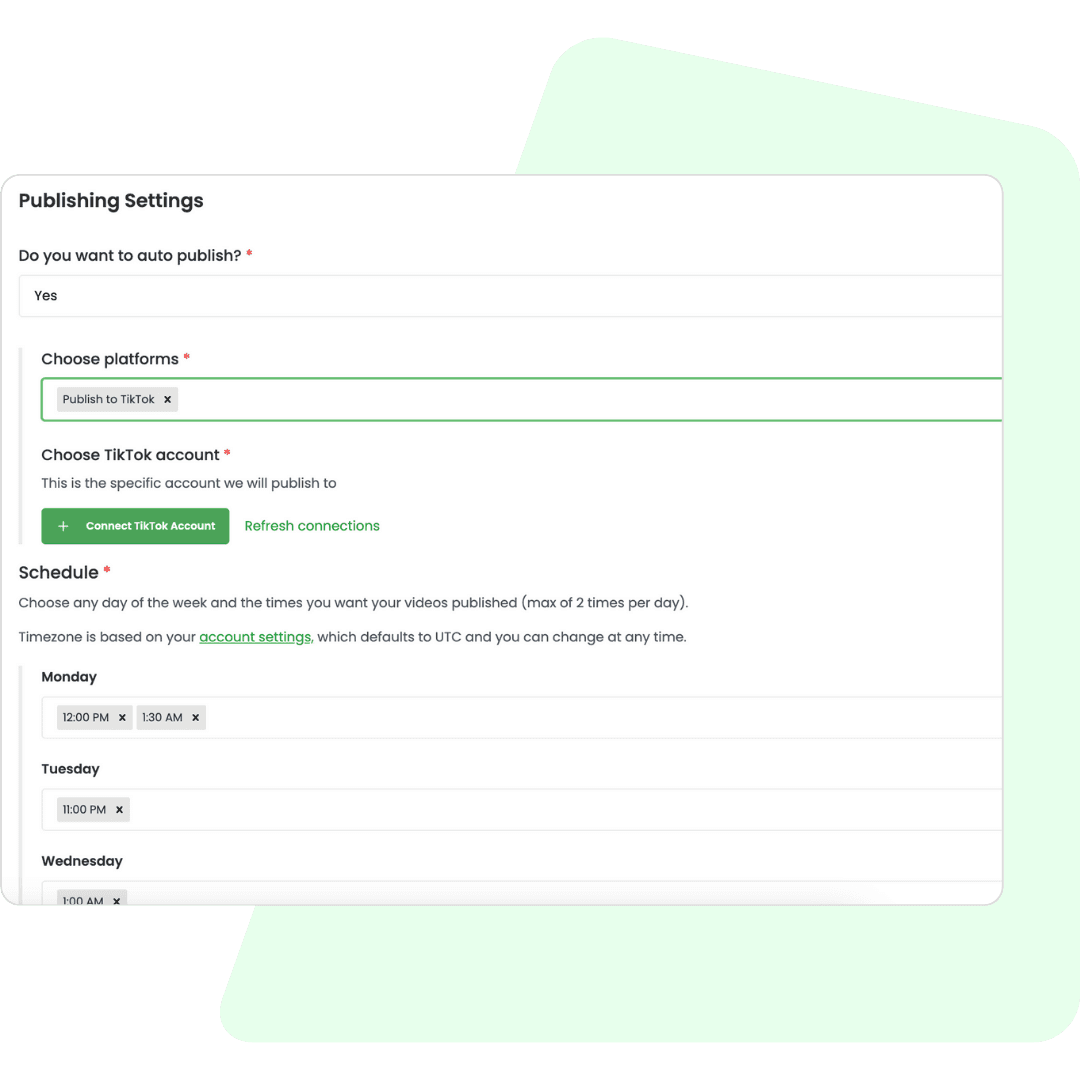
Set your publishing schedule
Define your preferred posting times, and let Videnly manage the publishing. Seamlessly connect with your favorite tools using our no-code options or API.
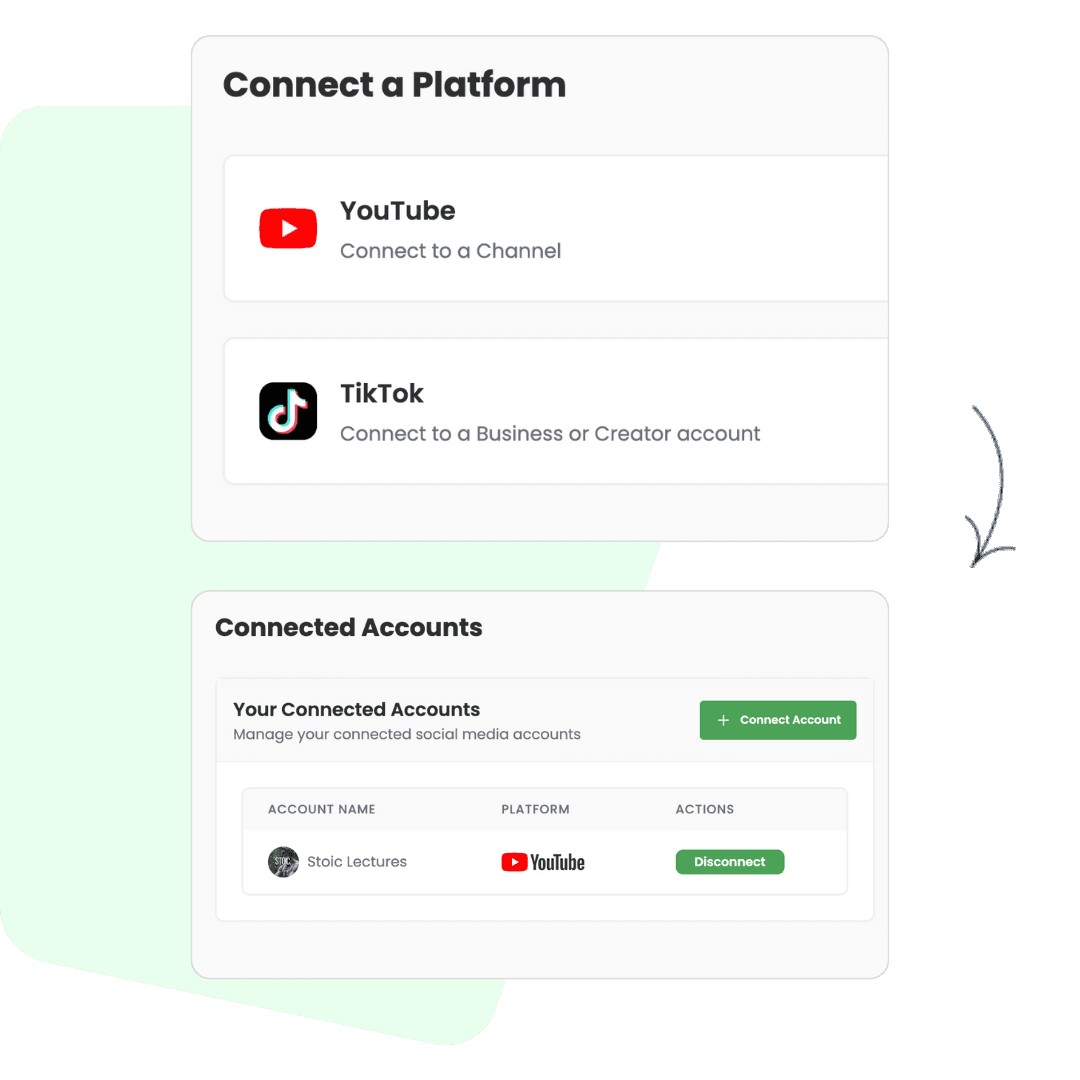
Connect your social media accounts
Link your social media accounts to streamline publishing and reach your audience effortlessly across all platforms.
Preview upcoming videos if you wish
You can optionally review scheduled videos to ensure you like them, making adjustments before they go live. We send email notifications that can alert you 2 hours before posting. Otherwise, just let it run on itself!
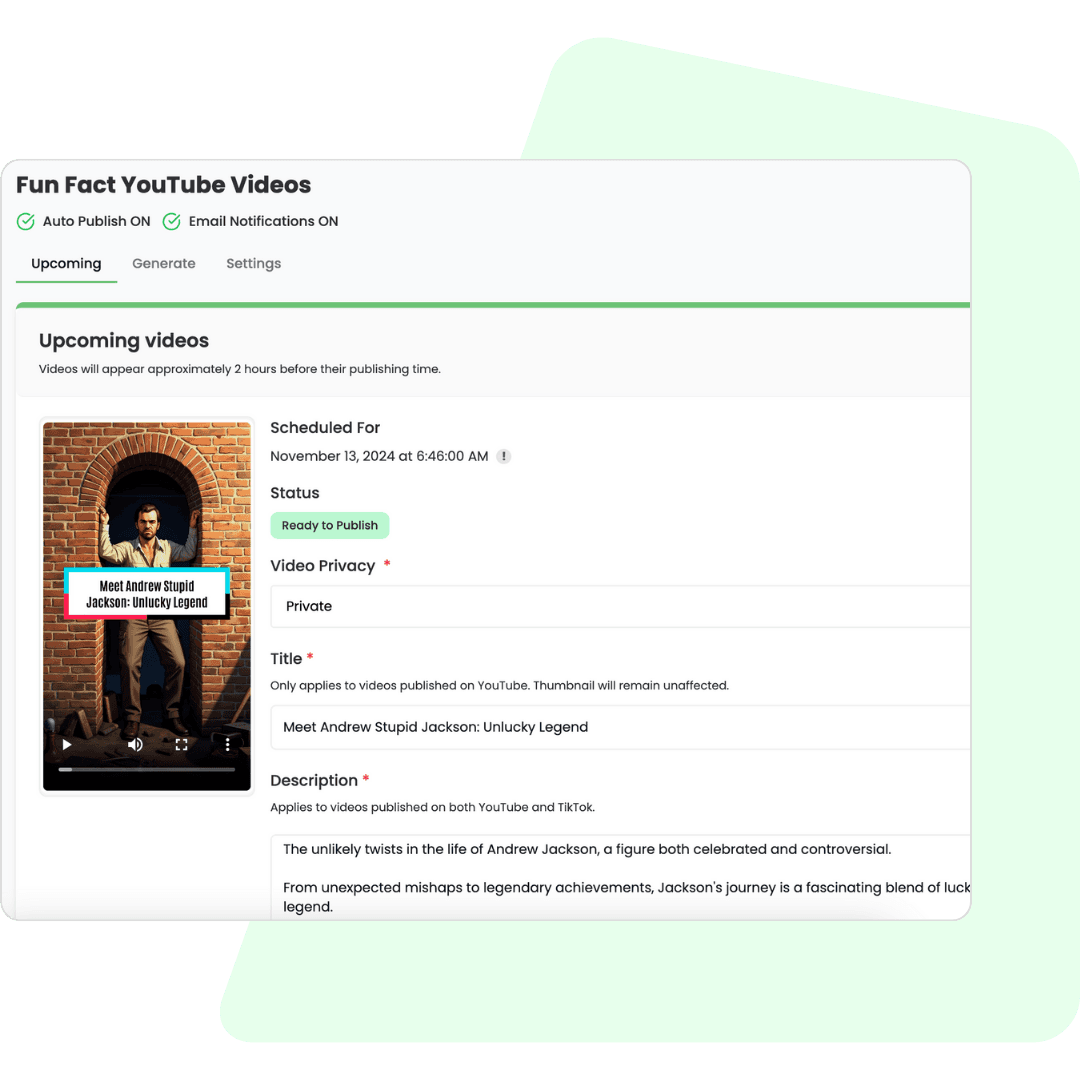
Automate, monetize, and scale
Enable automation for recurring content, saving you lots of time. Refine your approach as you grow. We didn't just create this platform, this was our custom private solution that we now call Videnly!
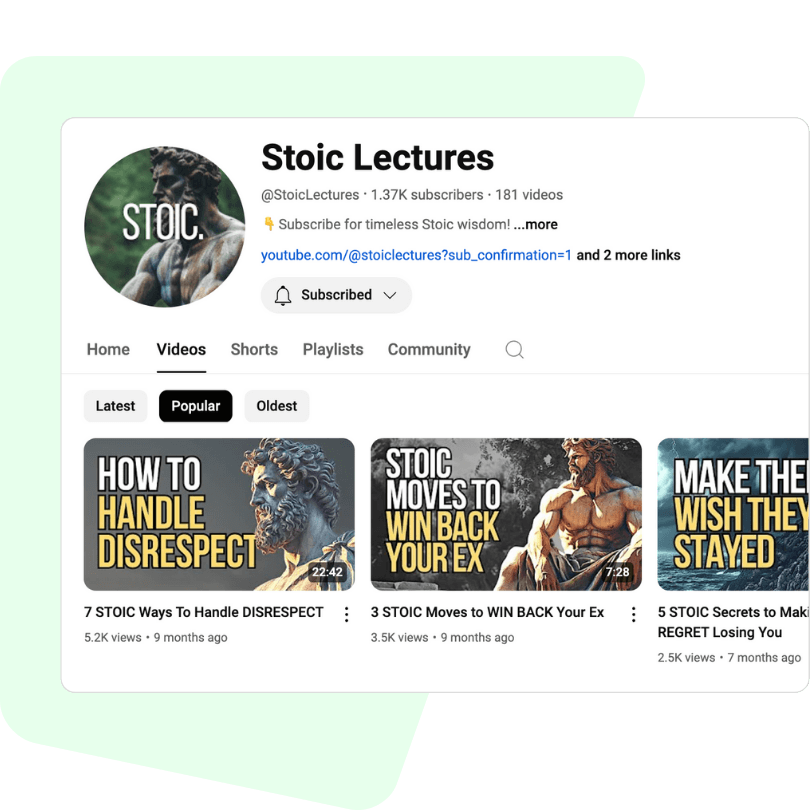
Frequently asked questions
Videnly simplifies your video creation process, all done with a few clicks.
What is the Unsolved Mysteries AI Video Generator?
This tool helps you create captivating short videos that explore puzzling events, cold cases, and unexplained phenomena using AI narration, captions, and visuals.
Can I use real names and cases?
Yes, but ensure information is accurate, from reliable sources, and presented respectfully to avoid defamation or misinformation.
Can I make these videos for YouTube or TikTok?
Absolutely. All generated videos are optimized for social platforms like TikTok, YouTube Shorts, Instagram Reels, and Facebook.
What file format will I receive?
Videos are delivered in high-quality MP4 format, compatible with all major social platforms.
Can I add my own theories?
Yes, you can insert your own commentary or analysis, as long as it's clearly stated as opinion and not fact.
Is this tool beginner-friendly?
Yes. You don't need prior video editing skills, our generator guides you through every step.
Are these videos good for engagement?
Yes. Mystery content naturally sparks curiosity and comments, making it a strong format for increasing viewer interaction.
Can I monetize these videos?
Yes, provided you follow the monetization policies of your chosen platform and avoid infringing on third-party rights.
Is there a limit to how many I can create?
Your subscription plan determines your monthly credit allowance, with higher plans allowing more videos.
Can I preview my video before finalizing it?
Yes, you can review a preview of your video and make changes before downloading the final version.
How does Videnly generate these AI videos end-to-end?
You provide a script (or use a demo one), pick a voice, music, style, and extras like overlays or transitions. Videnly then generates image prompts, renders scenes, mixes voiceover, music, and captions, and exports a platform-ready MP4. In the demo here you can preview settings; to fully render a video you’ll finish in the app with an active plan.
What inputs work best for high-quality results?
Clear scripts of 200–2,500 characters work best. Use short sentences, include proper nouns and pronunciations if needed, and add visual hints (e.g., ‘show a close-up of coral reefs’). Pick an art style that matches your niche and keep background music below dialogue volume.
What video lengths, resolutions, and aspect ratios are supported?
Short-form videos are ideal (15–90 seconds). Common outputs include 1080x1920 (vertical 9:16), 1920x1080 (horizontal 16:9), and 1080x1080 (square 1:1). Choose the aspect ratio that matches your target platform; vertical works best for Shorts/Reels/TikTok.
Can I use these videos commercially on social platforms?
Yes, in general you can use exported videos commercially, but you’re responsible for following each platform’s policies and applicable laws. Avoid using unlicensed logos, third‑party footage, or content you don’t have rights to. When in doubt, use royalty‑free assets and original scripts.
What about music licensing and copyright?
Use the included royalty‑free music library or verified licensed tracks. Don’t upload copyrighted music unless you have permission. If a platform flags a track, swap it for a royalty‑free one in Videnly and re‑export.
Which voiceovers and languages are available?
Multiple synthetic voices with different tones and genders are available. You can generate in many languages; choose ‘Automatic’ for detection or pick a language explicitly for best results. If you need a custom brand voice, contact support for availability.
Do captions support styling, highlights, and timing control?
Yes. You can enable captions, choose style, position, words per line, and optional word highlights/rotation. The system auto‑times captions to the voiceover and applies your chosen styling.
How long does rendering take and what affects speed?
Most renders finish in a few minutes. Queue time, script length, selected effects, and traffic spikes can affect speed. For urgent needs, keep scripts concise and effects minimal, or render during off‑peak hours.
Can I add branding, thumbnails, and CTAs?
Yes. You can add a branded thumbnail on the first frame, choose overlay styles, and include on‑screen CTAs. For consistent branding across many videos, create a preset with your preferred settings.
Are there content restrictions?
Yes. Prohibited content includes nudity, hate speech, graphic violence, and illegal activities. Accounts violating policies may be suspended and no refunds issued. Keep content informative, respectful, and platform‑safe.
Get started today!
Present puzzling cases and theories with engaging storytelling.